
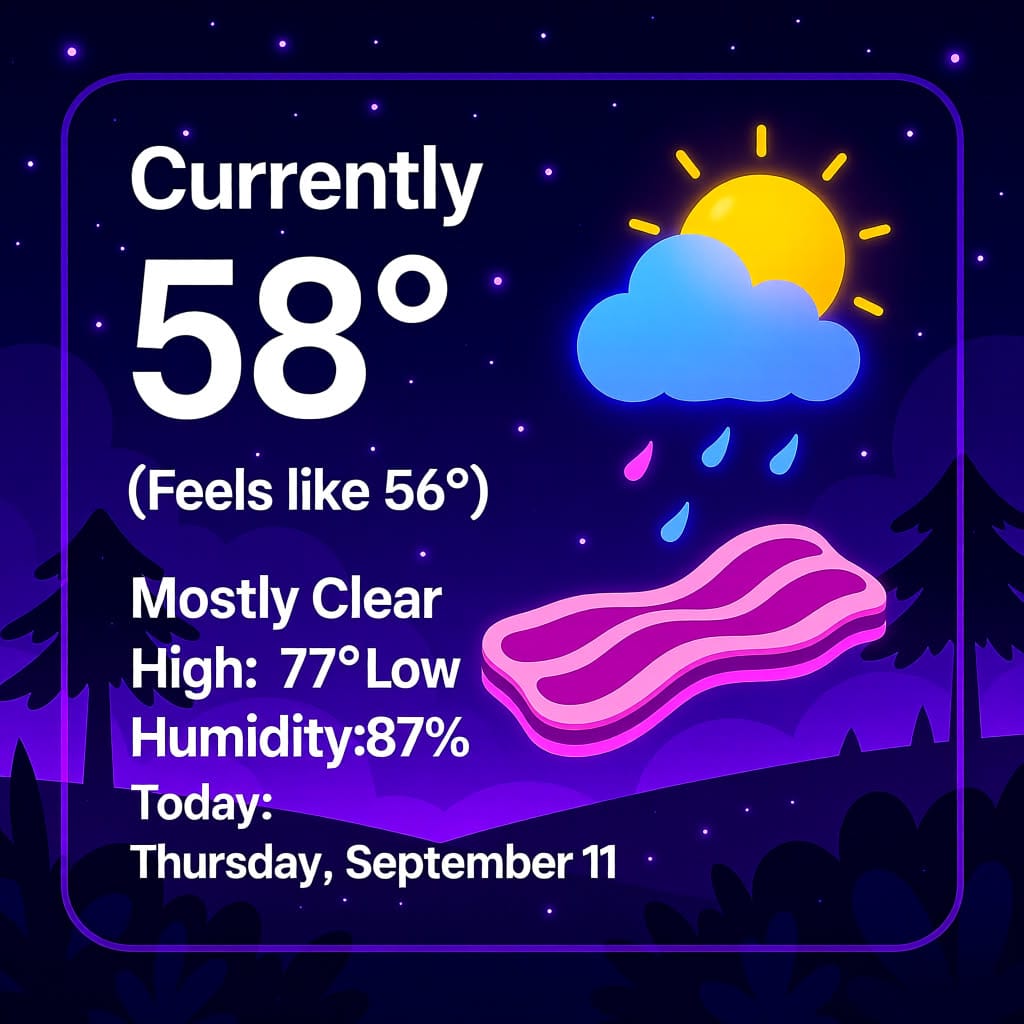
I glanced down at my phone home screen. I had made a simple weather widget using the home assistant app. It was...fine. It dutifully reported the current temp, the high and low for today, had a one-three word label for the weather itself (cloudy, partly cloudy, snowstorm, etc), and as a bonus, it even looked at my daily calendar and put reminders there. Like I said, it was fine. It was also very dull looking and kinda boring.
All of the big weather companies out there have nice looking weather widgets with images, icons, nice gradients, etc. It is just a nicer looking way to convey information. They also usually have ads, logos, trackers, etc. All of that stuff that makes the current technology industries terrible.
It was a simple request. I wanted a weather widget for my phone home screen. Something I could use at a glance to tell me what it is doing outside without all of the hassle of having to turn my head and look out the window. I mean, really. Who wants to do that? So I set out to see what I could get away with.
At the time, I was mostly using HiDream as my main image model. It isn't the fastest, but has amazingly good prompt following capabilities. I wrote a quick one-paragraph prompt template, just to feel things out and see how it would work. I included variables to insert the current conditions, temps, calendar reminders, etc. Everything I was used to having. I also gave it a random "theme" just for the hell of it.
The first prompt looked like this:
A thumbnail image for a weather forecast. The text is large and readable, and the background is a nice representation of the current conditions with the current theme applied. Use these colors for the background and text: Mahogany Brown, Navy Blue, Champagne Gold Use a puzzle theme for this image. Today is Friday, June 27 The Weather Report should mention the current conditions: Currently 75° (Feels like 76°) Mostly clear starting this evening. High: 81° Low: 61°Which resulted in this image:
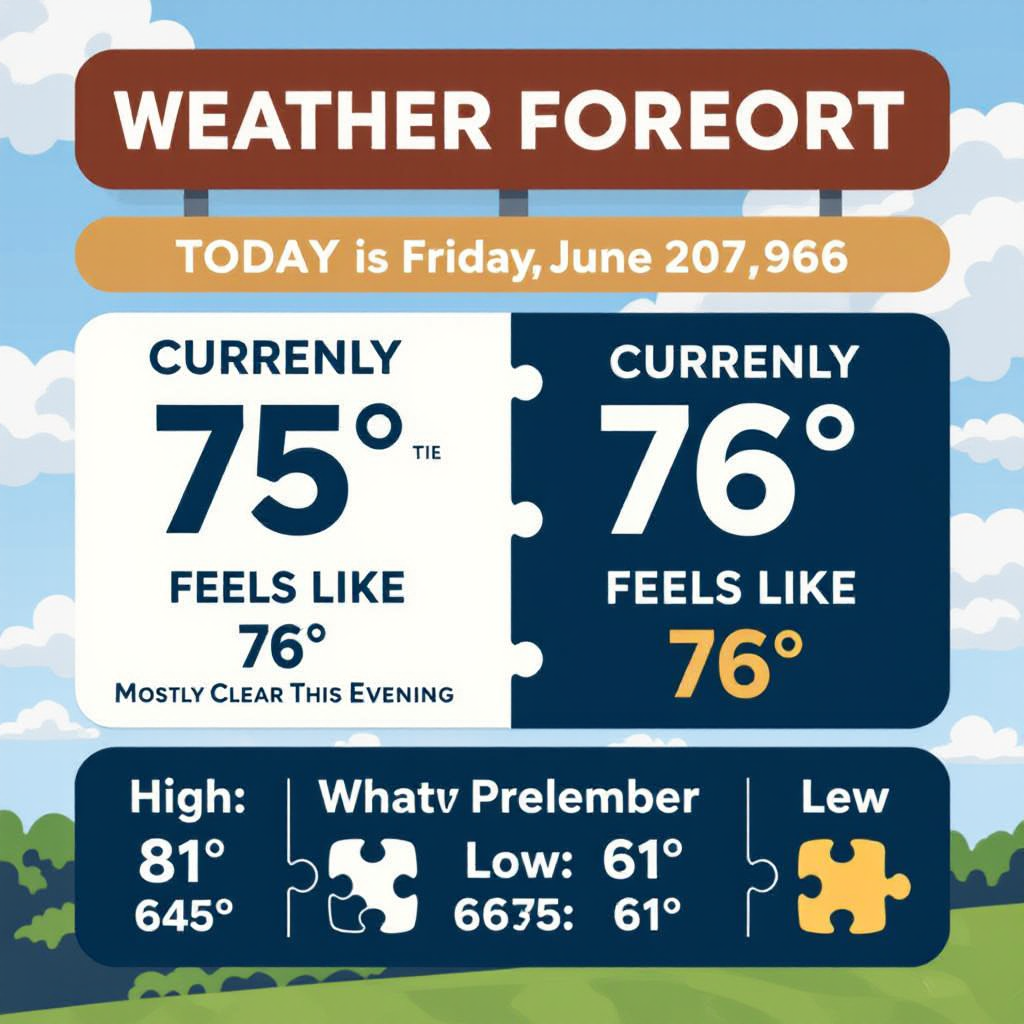
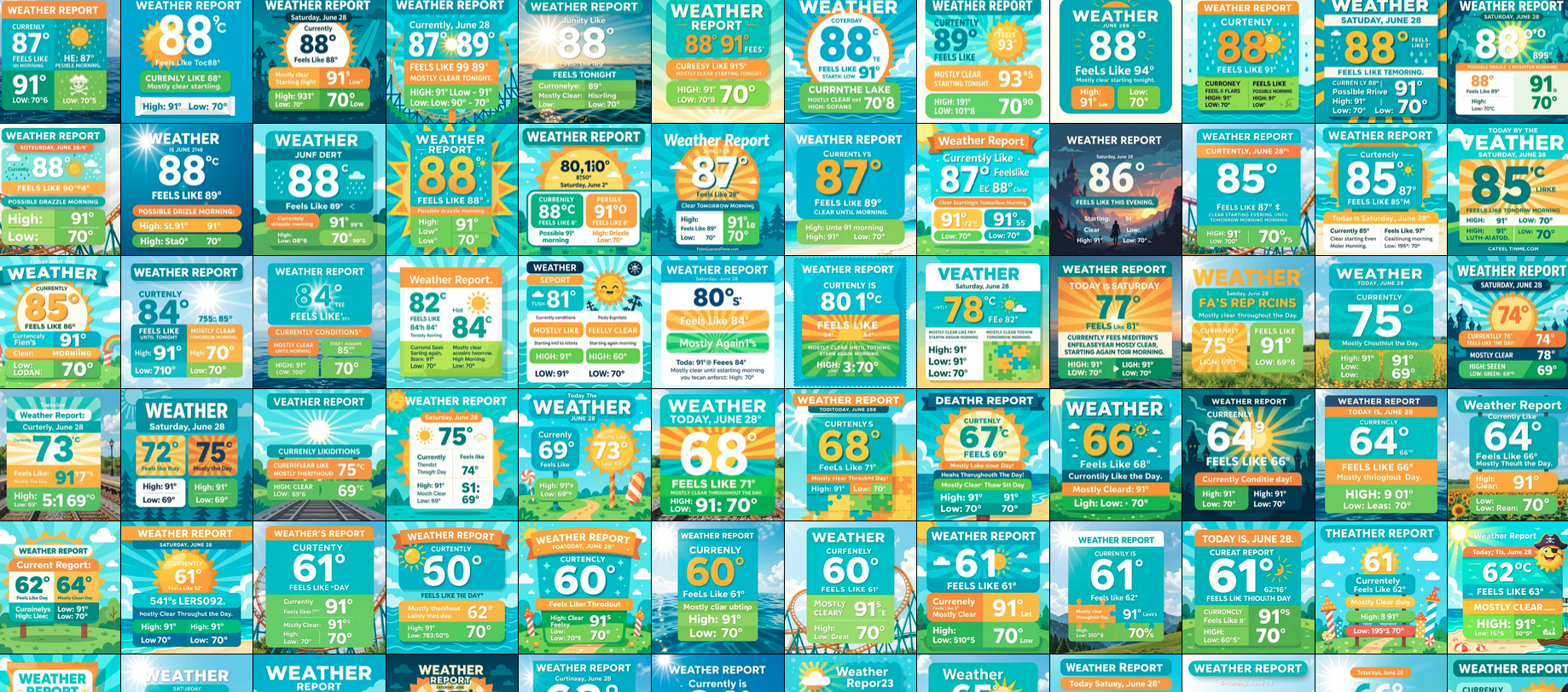
As you can see, the numbers are fairly clear, but the format is all over the place. There wasn't much consistency at all. Also, the "dark theme" and "day theme" weren't working the way I wanted them to.
The text capabilities of this model were all right, but I wanted something more predictable and reliable. Thankfully, soon after I got this working, the new Qwen Image Model was released. This model has far better text capabilities, and even ups the prompt following a little bit.
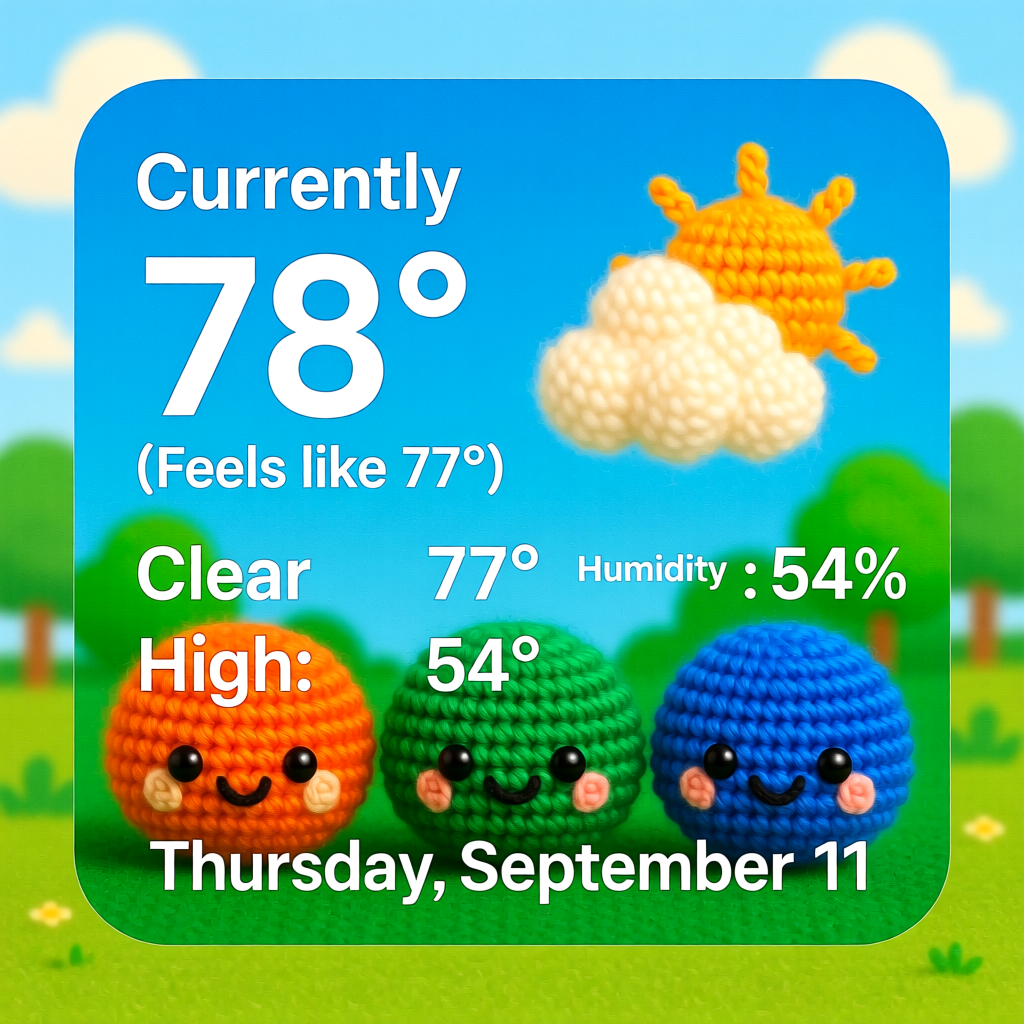
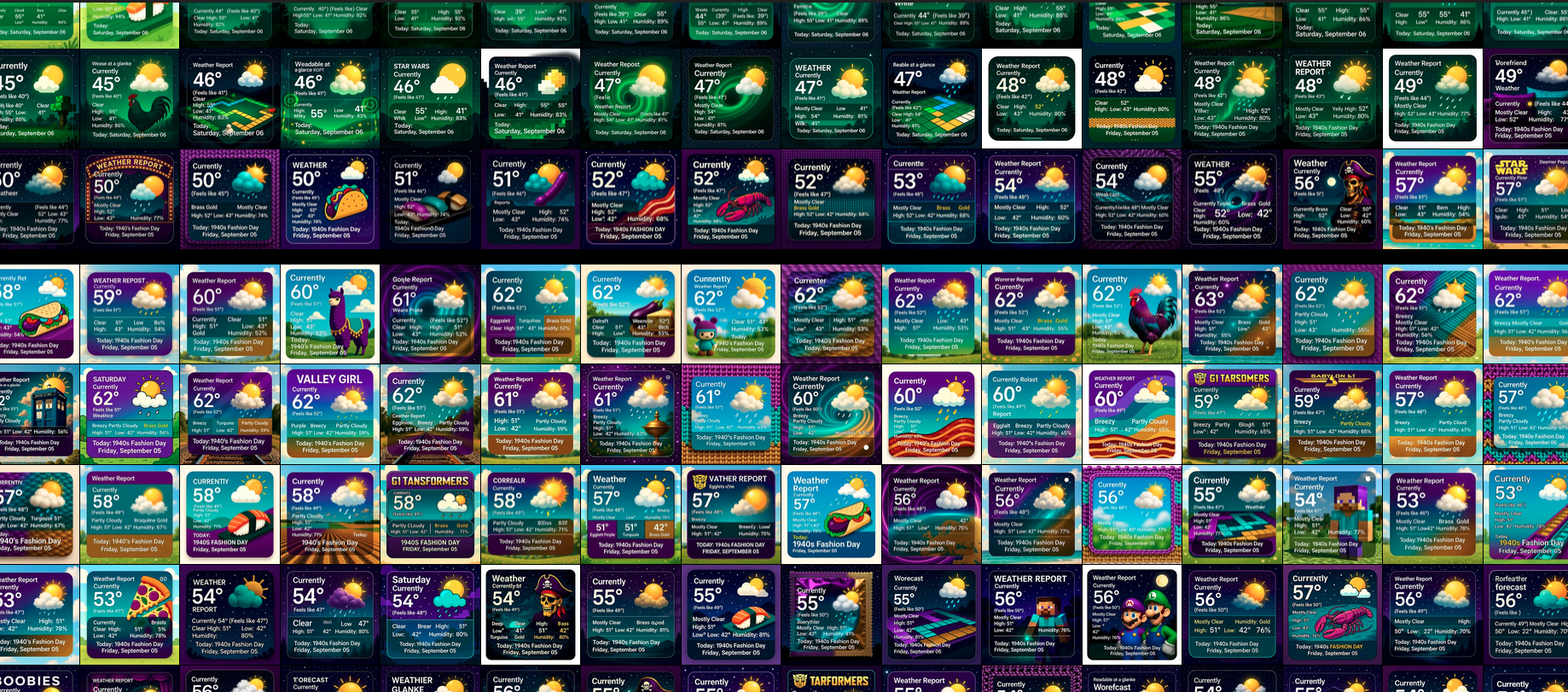
The images generate every 15 minutes and a script copies the most recent image onto my webserver, which is then fetched by my phone. The whole thing is pretty invisible, I have a nice weather widget on my phone, with no corporate bullshit telling me what to buy when I look at it. It doesn't scan my phone or my network, and it doesn't send any data to the internet. Just how I wanted it.
If you are curious, the final version of the prompt didn't change much. Here is one from while I was typing this up:
A weather forecast widget. The text is large, readable at a glance, and the background is a representation of the current conditions. It is daytime, with a pizza theme, including shades of Tangerine Orange, Emerald Green, Cobalt Blue.The Weather Report includes the current conditions: Currently 71° (Feels like 69°) Clear High: 77° Low: 54° Humidity: 74% Nice. Today: Thursday, September 11Weather info, a random theme, the color palette of the day, and the date. If any of the temps are 69, it adds the word Nice. Nice.

Member discussion: