
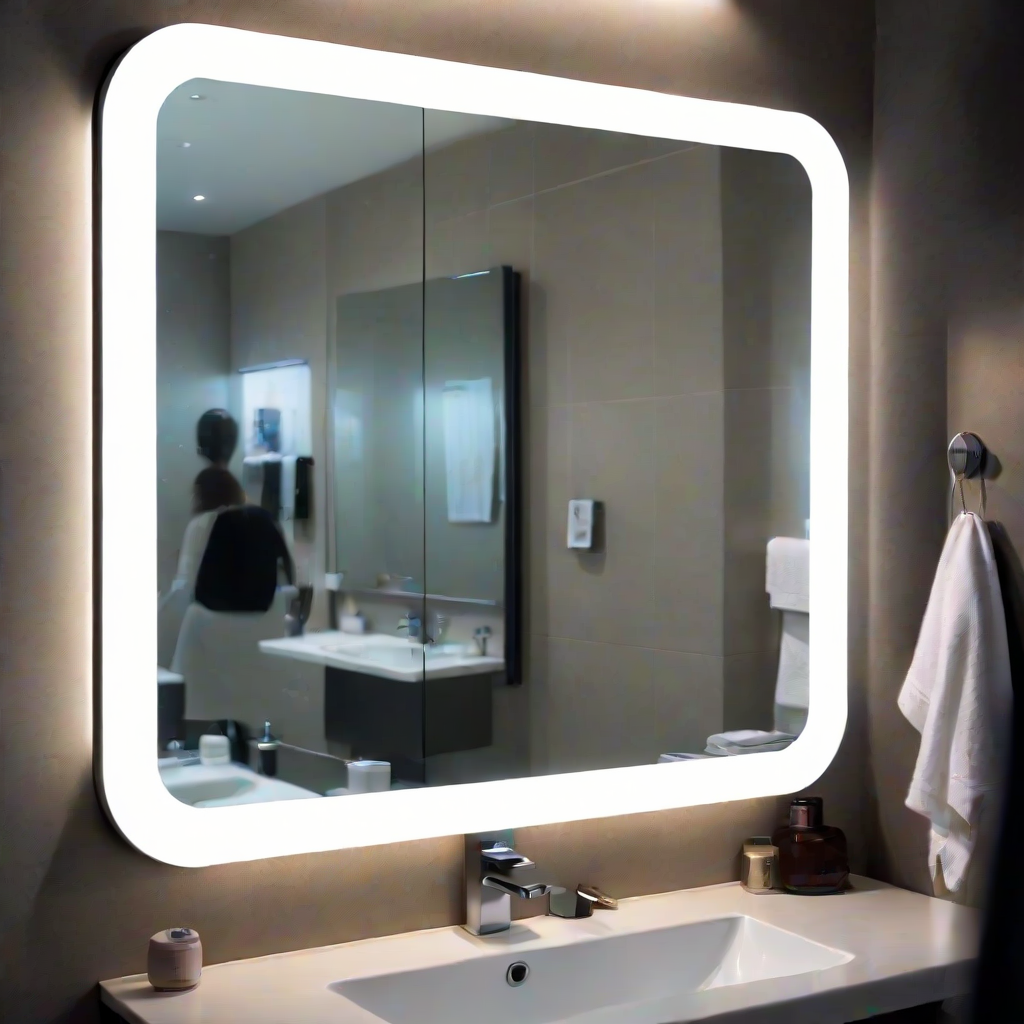
A smart mirror, as a concept, has been around a long time. It is a fairly simple idea - you take a screen, usually an LCD, and hang it behind a one way mirror. The mirror appears to be normal until something is displayed on the screen, which shows through it. By utilizing a black background and keeping your interfaces simple, you can create a neat heads-up display for the bathroom. I first learned of the idea close to twenty years ago, and right away added it to the 'someday I will build this' list.
Everyone has one of those, right?
I got around to it sometime in 2016. I had an old TV (a sony bravia lcd) that was on its way out. The thing still worked, but the picture would freeze for a second or two at a time. It was way out of warranty and the 4k era had long since started. We upgraded, and I began my usual ritual of stripping it for parts before recylcing/tossing what I wouldn't use. I got about halfway through before it occurred to me that this TV, on its side, was about the same height as our bathroom mirror...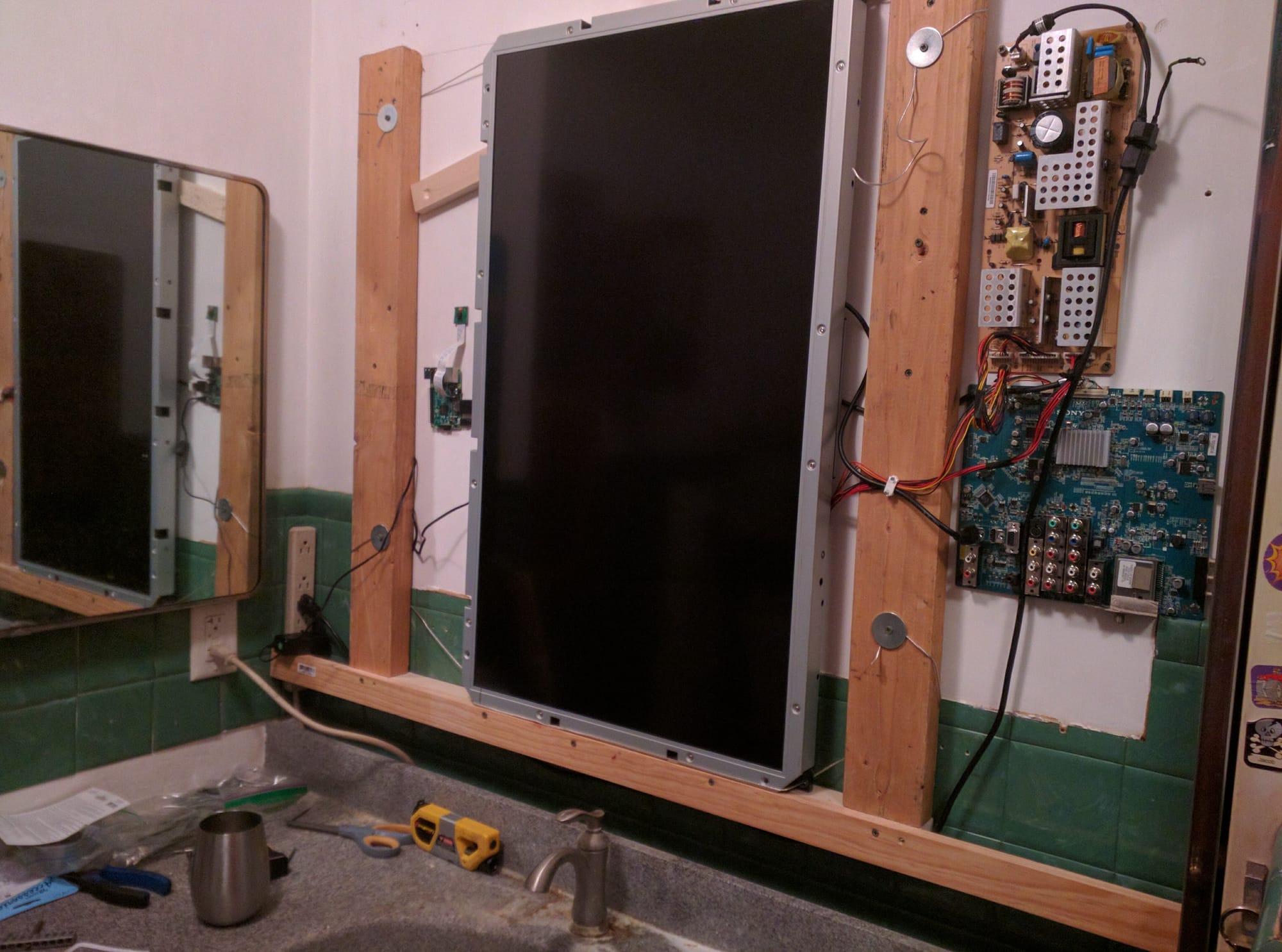
I had the wall apart in an hour.
The build was fairly simple, but I did have to take the screen hardware out of its bezel completely. I didn't want to give up 4-6" of counter space for the giant plastic casing that didn't confer much benefit. The hardware wasn't in great shape, but it didn't to be a high end gaming monitor, it just needed to display mostly text at a very slow refresh rate.
And it definitely isn't the first time I've literally screwed a board to a wall.
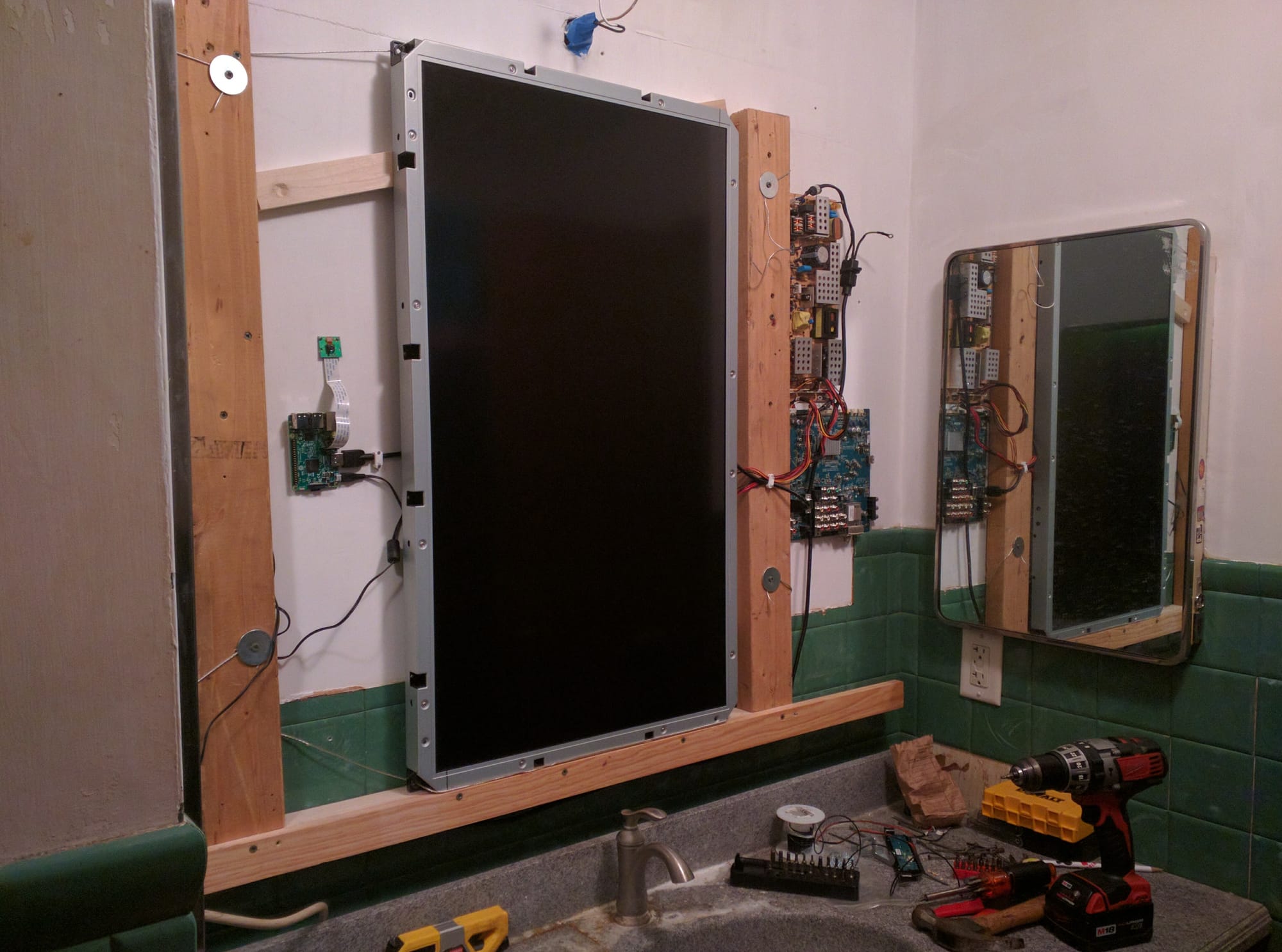
I wanted a passive information center for those times that your body is occupied but your mind isn't. Brushing teeth, getting ready in the morning, washing hands after business, etc. I've had a good amount of data on it over the years.
- School calendars
- Our family quotebook
- Complimentary messages
- Good advice
- Goofy/snarky remarks at the family members
- Family photos
- Comics we each enjoyed
- Art generated by Bob
- A floorplan of the house with life information
- The weight of the person standing on the bathroom scale
- Today's weather forecast
- Top news headlines in various categories
You get the idea. The first version was just a Raspberry Pi 3b, the screen, its control board and power supply board, and the associated cables. I kept the speakers connected to the TV, but I never actually used them for much.
Side note: The Raspberry Pi Cam (also pictured) was going to be a very carefully positioned face recognition login system that (according to design) would allow each family member to customize the content they wanted and have it automatically displayed when they are recognized (by looking in the mirror). Ultimately, no one wants a camera in their bathroom, no matter how careful you are about positioning, even if only a computer ever sees the images. It didn't last very long before it was disconnected and not thought of again. That's okay, the camera would go on to create a neat time lapse of our backyard in its second outing.
I have set up half a dozen different UIs for it over the years. From generating jpgs with imagemagik to the decent but restrictive magicmirror2 project, which I used for a couple of years before moving the entire thing into Home Assistant using the (also restrictive, but differently so) picture-elements card.
Here is a shot of the UI from the early days: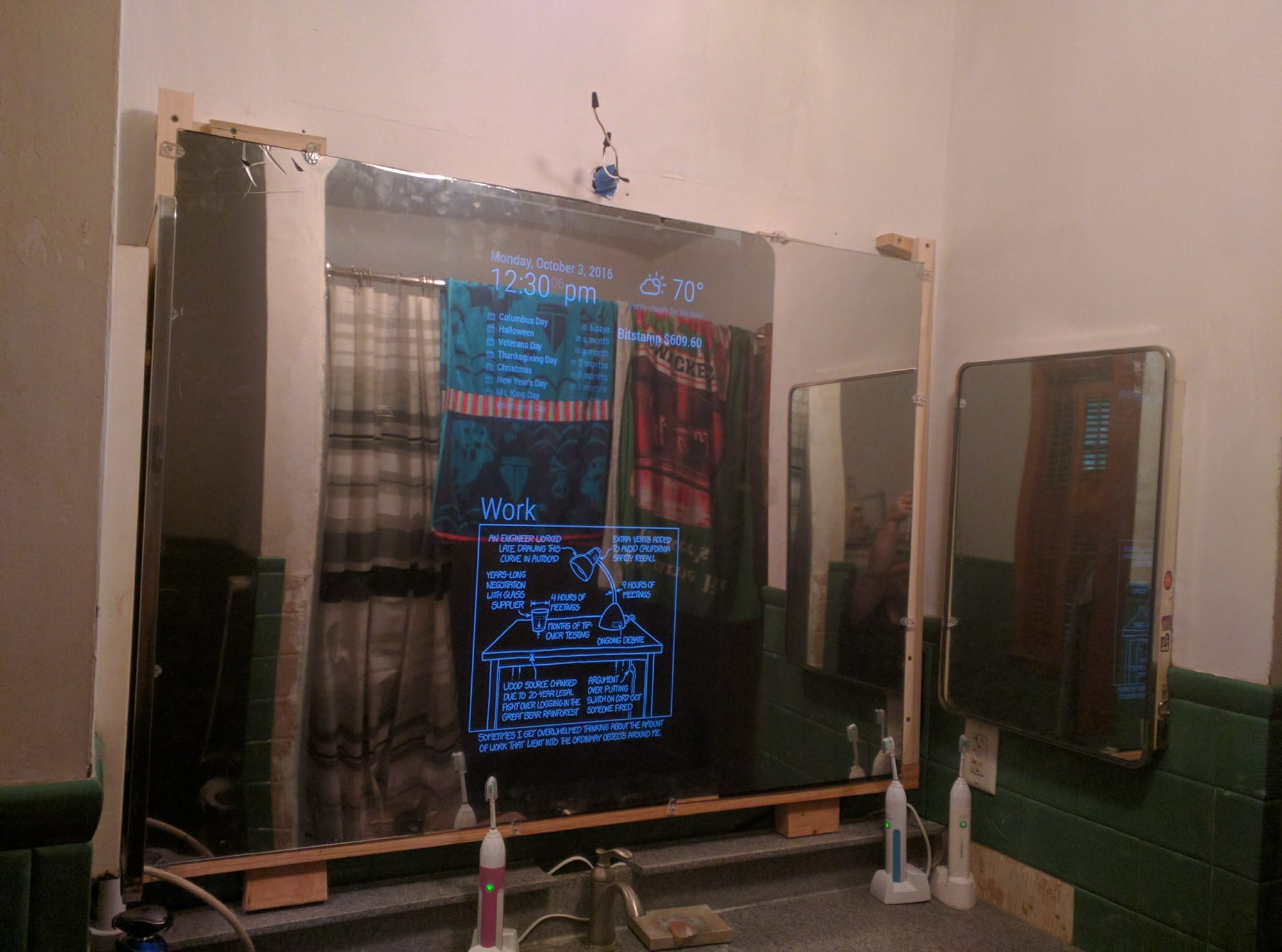
Eventually the Sony TV died the rest of the way and I had to replace it. I gutted it and used parts of it for LED projects later. I replaced it with an Amazon Fire TV that Amazon sold to me for less than it cost them to make it. Weirdos. It has never been allowed to connect to a network, I wonder if they wonder what happened to it?
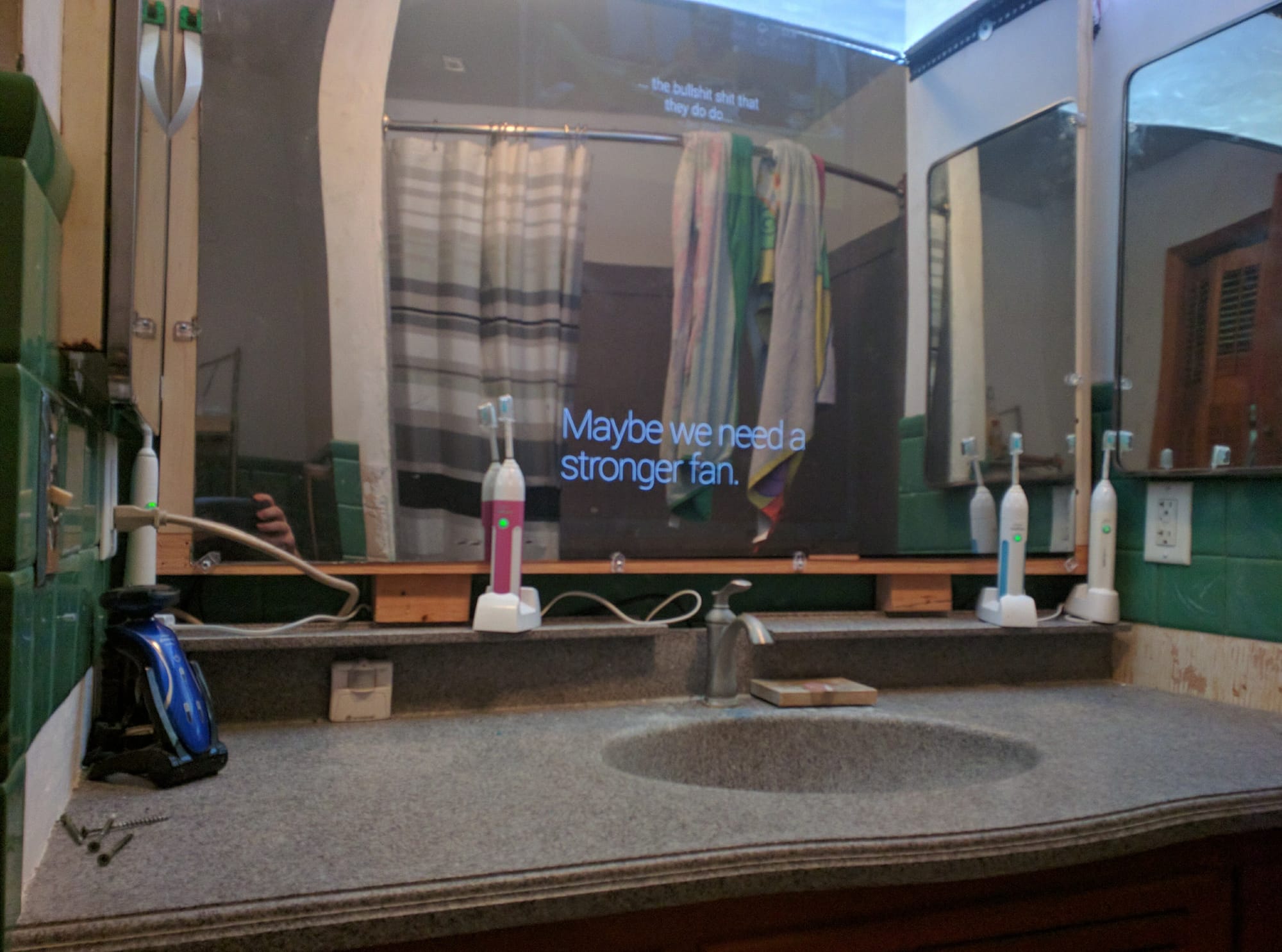
Eventually I added a neat light above it, and replaced the acrylic with a larger piece and tidied the install up a bit. I wired in a foot pedal control (utilizing the same sensor as from the Couchmaster that you can tap on to pause the display. Each comic or picture only hangs around for a few seconds, and then moves on to the next. Sometimes a comic is wordy or an unusual shape. The pedal trigger also hides some of the UI to give more space to the comic content. If you double tap it with your toe, the bathroom media player will skip to the next song.
I've played around with adding gesture and motion controls to the mirror, but I've mostly settled on it remaining automatic. It rotates in a predictable repeating pattern, which lasts roughly two minutes. Not coincidentally about the minimum time recommended to brush your teeth. Most of the displayed information is always visible, it is only the large center area that changes.
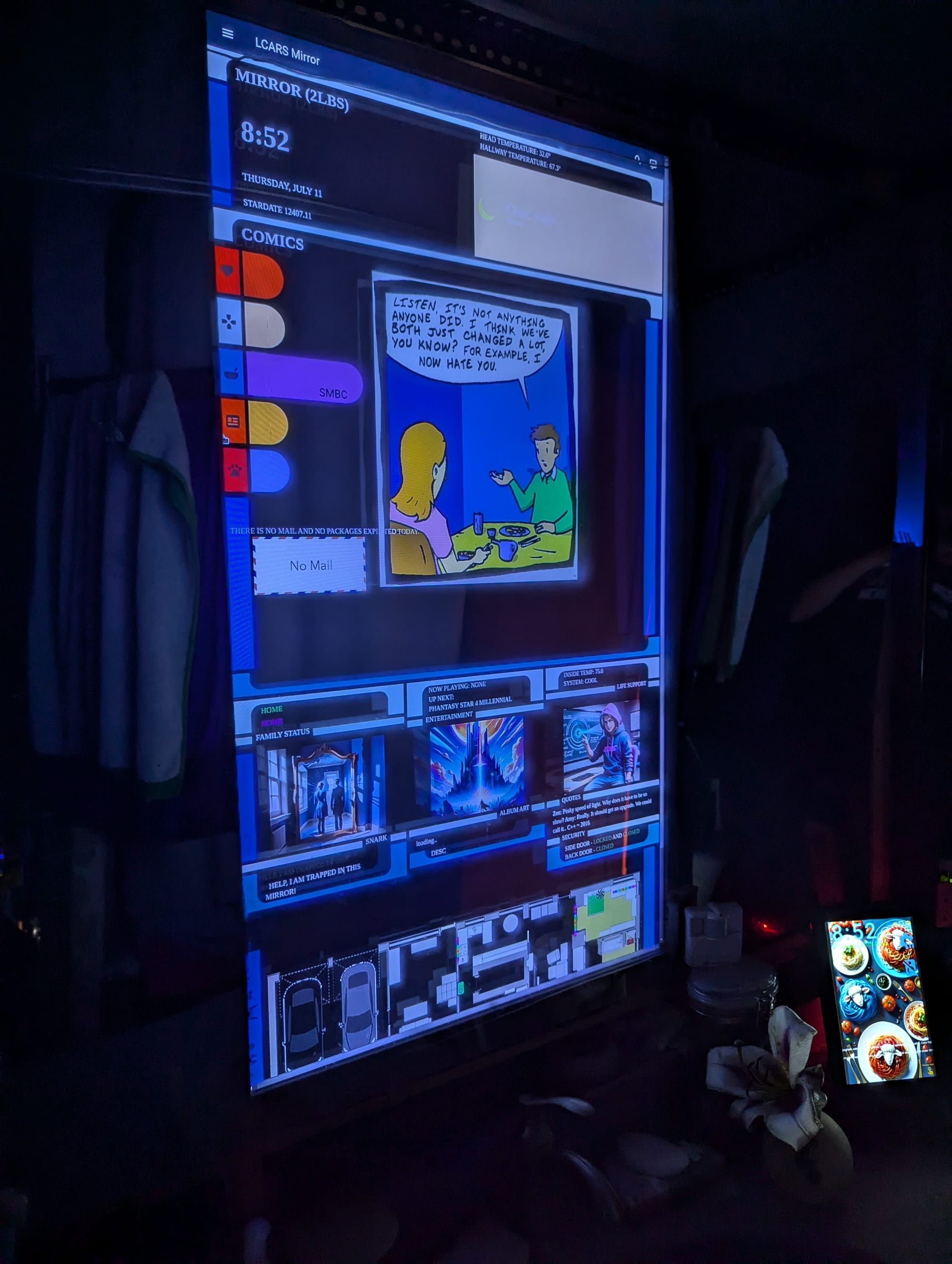
This is what it looks like now:
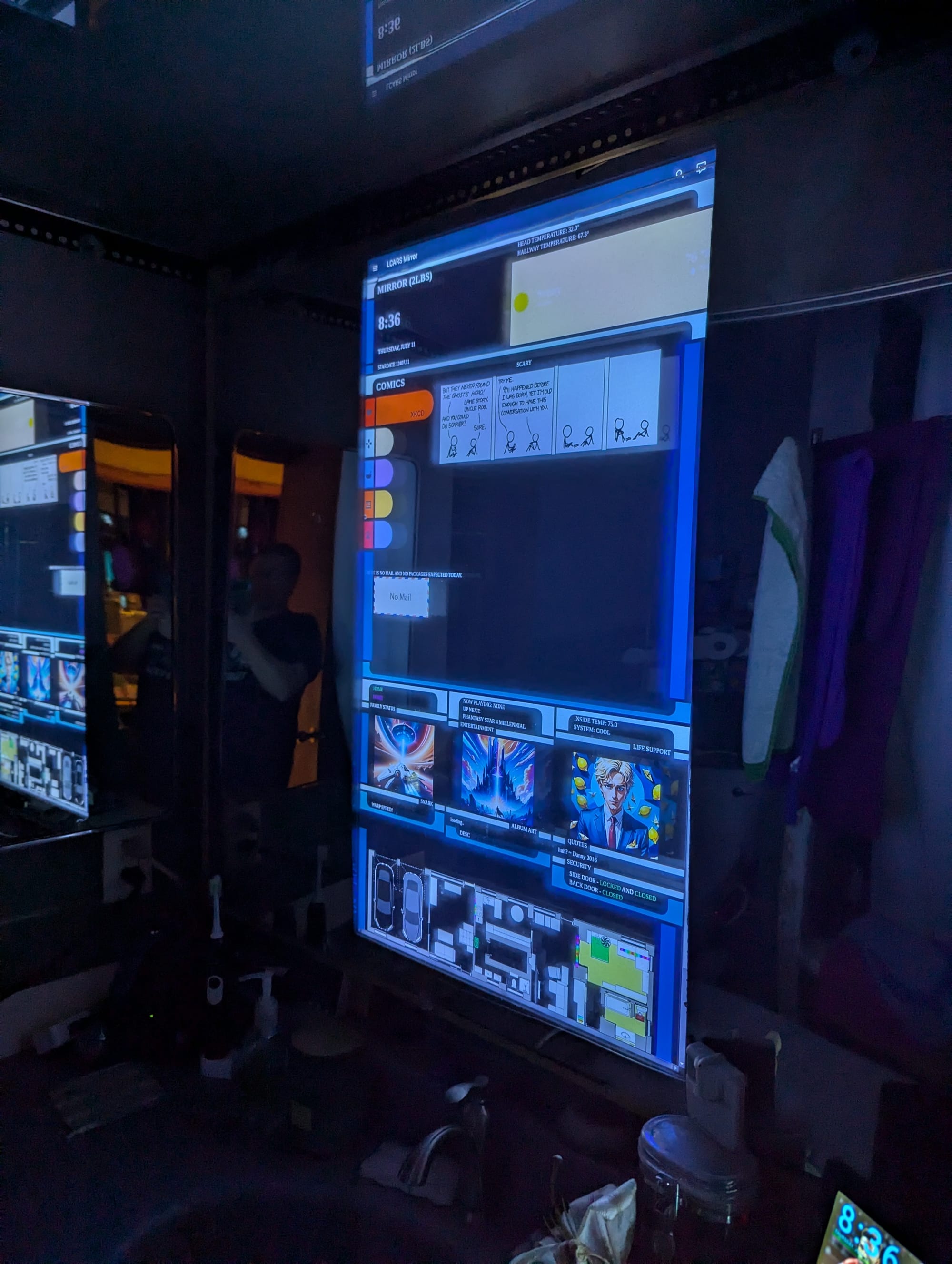 The current interface includes
- a rotating webcomic/comicstrip carousel (xkcd, penny arcade, calvin and hobbes, smbc, and the far side) main window center right
- The title, alt-text of the current comic, or prompt of the current Bob art just above main window on right
- the current time, date, and weather top left
- the weather forecast for the day top right
- a random family picture (rotates with the comics)
- the current Fine Art image and the current Gallery image (also rotate with the comics)
- same thing as the quotes, but from the advice/snark/compliment list center left
- the music currently playing in our bathroom, and Bob's take on what the album art for that song would be. center center
- a random quote from our family quotebook (rotates every few minutes, and then Bob makes a picture inspired by it which is also shown) center right
- Pictures of any mail expected today, along with a count of letters/packages. center left
- The current locations of my wife and I center left
- the current setting of the house HVAC center right
- info about the exterior doors and locks center right
- The weight of the person or object on the bathroom scale (+/- a lbs or two) upper left corner
- Temperature sensors for the bathroom and hallway outside the bathroom upper right corner
- A rough floorplan of the house that updates in real time with motion, lighting, and other sensors to give an overview of what is happening right now. bottom

Member discussion: