
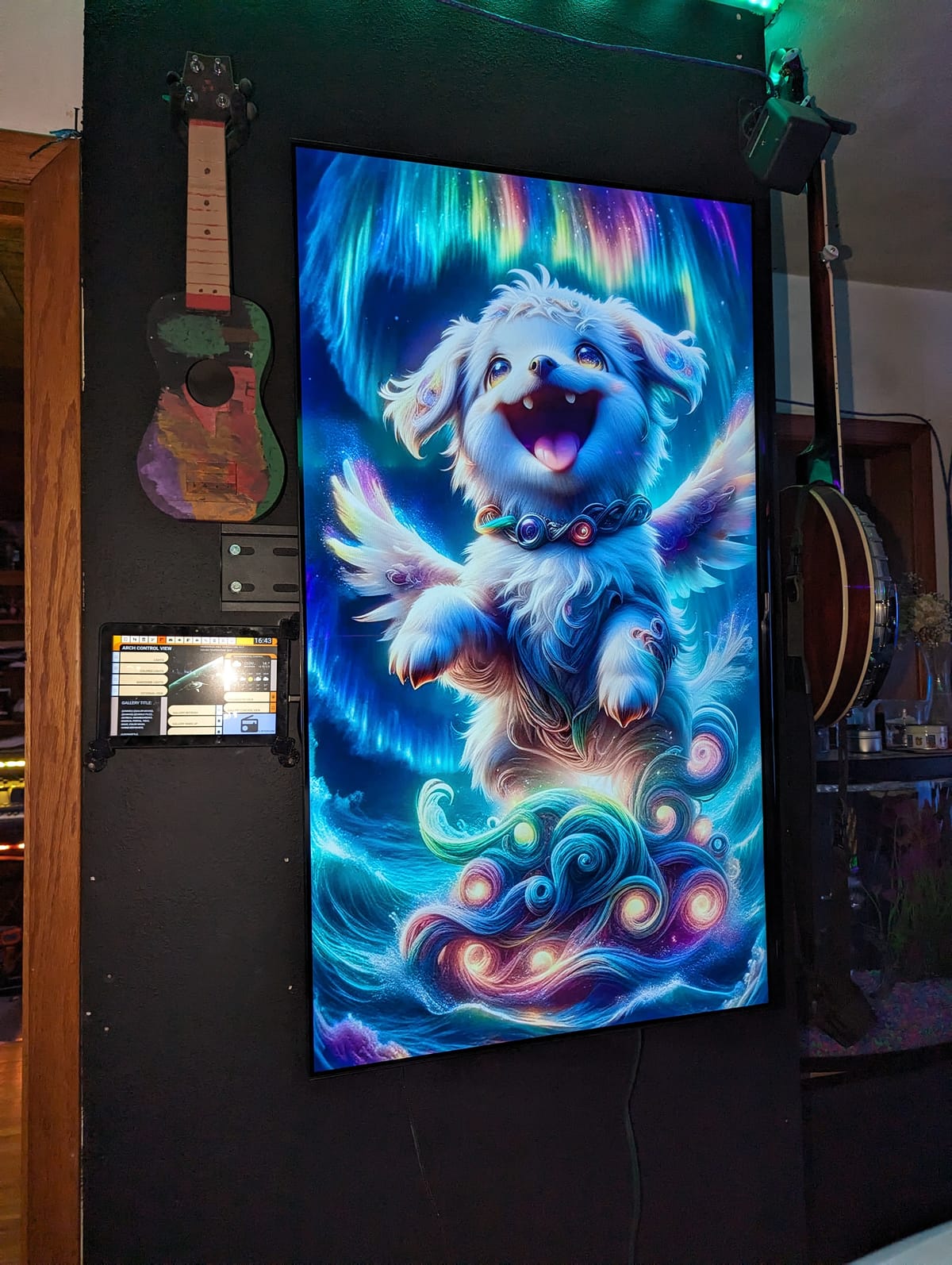
This project was briefly covered in my post about Bob, but I thought it deserved its own write up. The Gallery was an idea I had after finishing my Fine Art project (also covered in the Bob post, and probably also in my Mirror post when I get around to making that one). I wanted to have a spot in our living room that had dynamic art. Originally I had planned on it displaying a static image for 24 hours before making a new one. Little did I know what this project would turn into...
I had been kicking around the idea for this project for a couple of months before I knew quite how I wanted to implement it. In late Nov '23, I was surprised to see very large "smart" tvs on sale at local retailers for peanuts. I am guessing these are sold at a loss, subsidized by the manufacturer, expecting to recoup the money through data-collection, subscriptions, and other invasive business practices. Or maybe the tech has just gotten that cheap.
In any case, I picked up a 43" screen for a little over $100 made by a company I have never heard of. It has VESA mounts, an IR interface, a pair of HDMI inputs, a weak usb power output, and both wifi and ethernet connectivity which will definitely never be used.
I mounted the screen in portrait orientation on my wall with a cheap mount I got from Parts Express for about $10. In retrospect, it probably would have been worth it to get a nicer mount. Regardless, this one worked. It was just a pain to install.
Much like my Mirror project, I would have liked to utilize the web browser and connectivity of the TV itself to accomplish my goals, but as they are trust and privacy nightmares, they will not be allowed to connect to my network. As such, the TV was hooked up to a Raspberry Pi 3b+ I had taken out of service when I upgraded my Mirror computer the previous year. The USB power supplied by the TV did not cut it for the Pi, so I had to add another power supply for that as well.
The Pi is configured to boot, connect to wifi, and load Chromium full screen in kiosk mode. I've done this sort of thing a bunch of times with other displays and interfaces, so this part of the job was done in minutes. I whipped up a quick html file that would pull an image from a local server, and refresh every 10 minutes. I also wrote a couple quick scripts to allow me to reboot the pi and refresh the browser from Home Assistant.
The TV came with a remote, which I taught all of its IR codes to Home Assistant, and wrote automations to turn the screen on when the room is in use, and off when it is not. I added wake up and sleep commands to the tablet interface next to the screen, and then, the hardware side more or less complete, I got to work on the main code for the project.
Since I was building from where I started with Fine Art, I forked the code for that to use as a base. The majority of both projects is built in a combination of Home Assistant automations, scripts, and lots of jinja templating. When a picture is generated, essentially what happens is the automation checks that it is allowed to run (I have a master switch for Bob which I sometimes flip to Off if I am using his GPU for other things, like gaming), and that all of what it needs to run is present (Stable diffusion api is up, there is a prompt available for it, the Gallery computer is on, etc). Assuming all is good, it hands off to a prompt generation script.
The script crawls through a list of modes, modifiers, models, and loras. I'll briefly describe them:
- Modes are things placed at the beginning of the prompt that have a significant impact on the final image. What "type" of image is generated. Things like creating a scene inspired by the anime art style (Barack Obama in a Sailor Moon costume), or taking a character or person, and placing them into an unfamiliar setting (Darth Vader buying groceries at the supermarket). I have a mode that forces a black and white portrait in a specific style, or another that parodies famous art. I also created a "malaphor mode" which butches common english idioms and then tries to illustrate them. ('A fool and his money are shooting fish in a barrel')
- Modifiers are things inserted into the image. If modes are what type of image is generated, modifiers are what the image is 'of'. I added things like cities and other locations, famous people, historical figures, action words and situations, background objects, etc.
- Models are simply which checkpoint the stable diffusion renderer uses. I tend to stick to SDXL models for this because of the render resolution (1080x1920).
- LoRAs are extra training data applied to the model during generation. These can force a specific style, characer, or object.
These are all selected by a Home Assistant dashboard I made for the purpose. (ok, I made a few, depending on what type of device you are using - phone, PC, tablet - they all do essentially the same things) Here is an example:
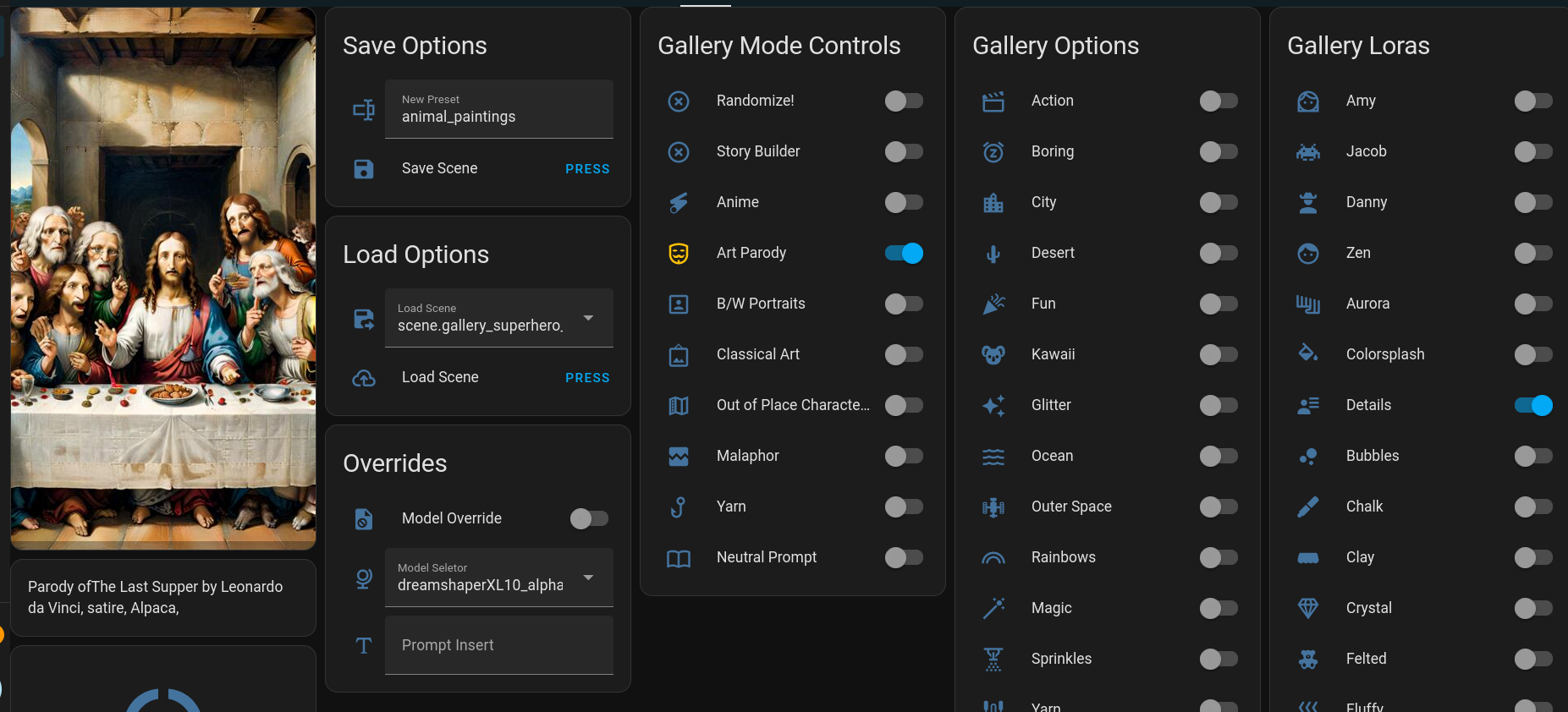
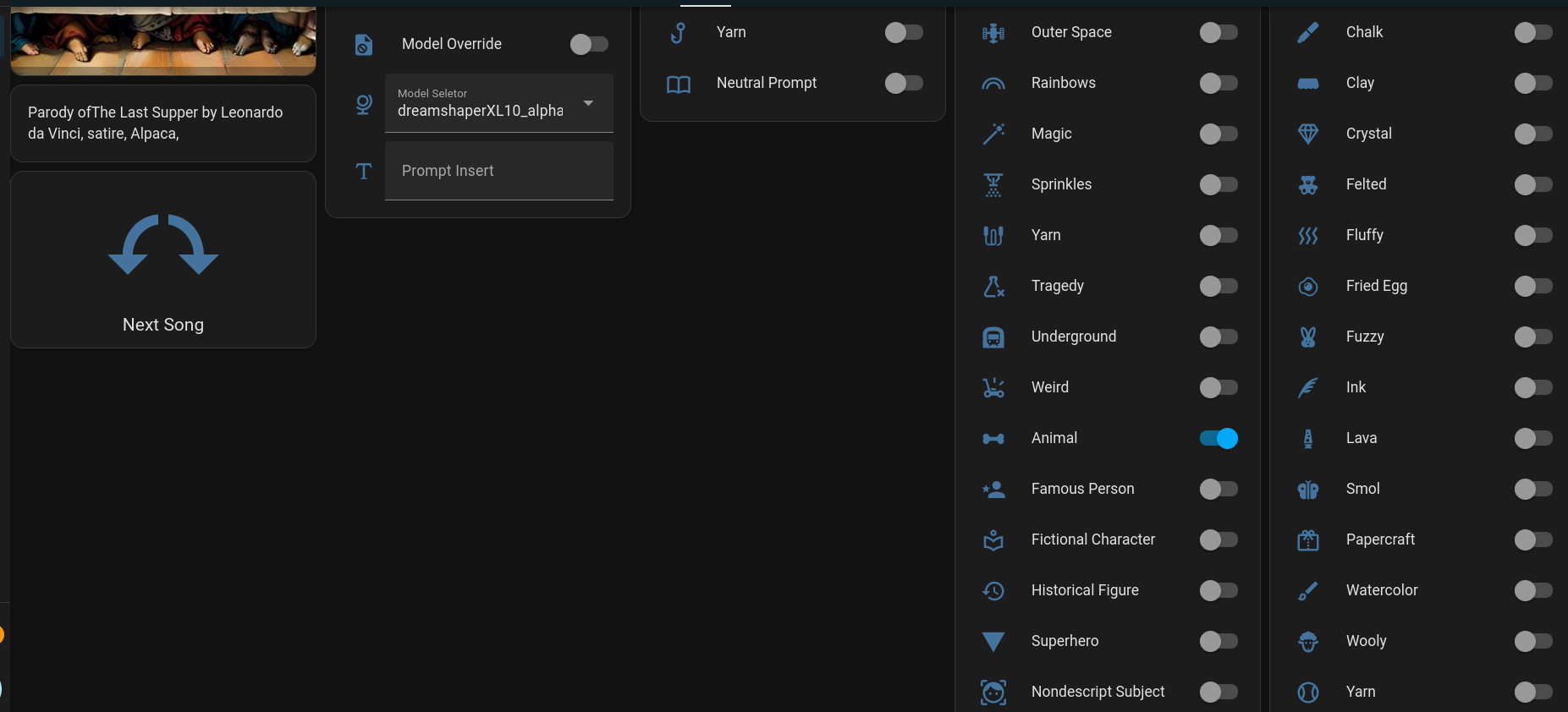
So how does all of this work? In the above picture, you can see a few switches are turned "On" - 'Art Parody', 'Animal', and 'Details'.
- Art Parody has the prompt building script prepend one of a few phrases to the prompt. Things like "parody of ", "satirical recreation of ", etc. Then it adds one of 50 famous paintings ("The Last Supper", "Birth of Venus", "Stary Night", etc), then it appends a type of parody ("Satire", "As drawn by a pre-schooler", "done in play-doh", etc). It then hands off to the next switch.
- Animal is simply an array containing a list of 100 animals. ("Alpaca", "Cow", "Aardvark", etc) It shuffles the array, picks one at random, and moves on.
- Details applies this LoRA to the generation. This one adds in more background details and can make the images more visually interesting.
The end result of this generation is the prompt: "Parody of The Last Supper by Leonardo da Vinci, Satire, Alpaca, <lora:xl_more_art-full_v1:1>" and you can see the output in the image above.
Each of those switches contains an array of between 50-200 names, places, sentence fragments, absurd situations, etc. There are literally billions of possible combinations, and that isn't even getting into the fact that each generation has a random seed. The odds against The Gallery ever showing the same picture twice are so astronomical it is almost impossible.
In addition to the above, if a game is being played on our main TV, or if Kodi is playing music, a movie, or a tv show, the title of the currently playing media will be incorporated into the prompt as well. This has led to some fun unauthorized movie posters.
As I said above, each image was originally intended to last a day. During testing, I increased the frequency to every 10 minutes, and decided I liked that better. I also added a manual generation button for when you don't want to wait. The wife and I have had hours of entertainment doing little else than changing options and seeing what it comes up with.
To compliment the versatility of generation, I added a save and load function (abusing Home Assistant's "Scene" functionality) which enables you to name and save configurations you liked, and also a "Random" button which randomizes the switches each generation.
The current Gallery Image is posted automatically above, next to today's Fine Art pic. Here is a link:

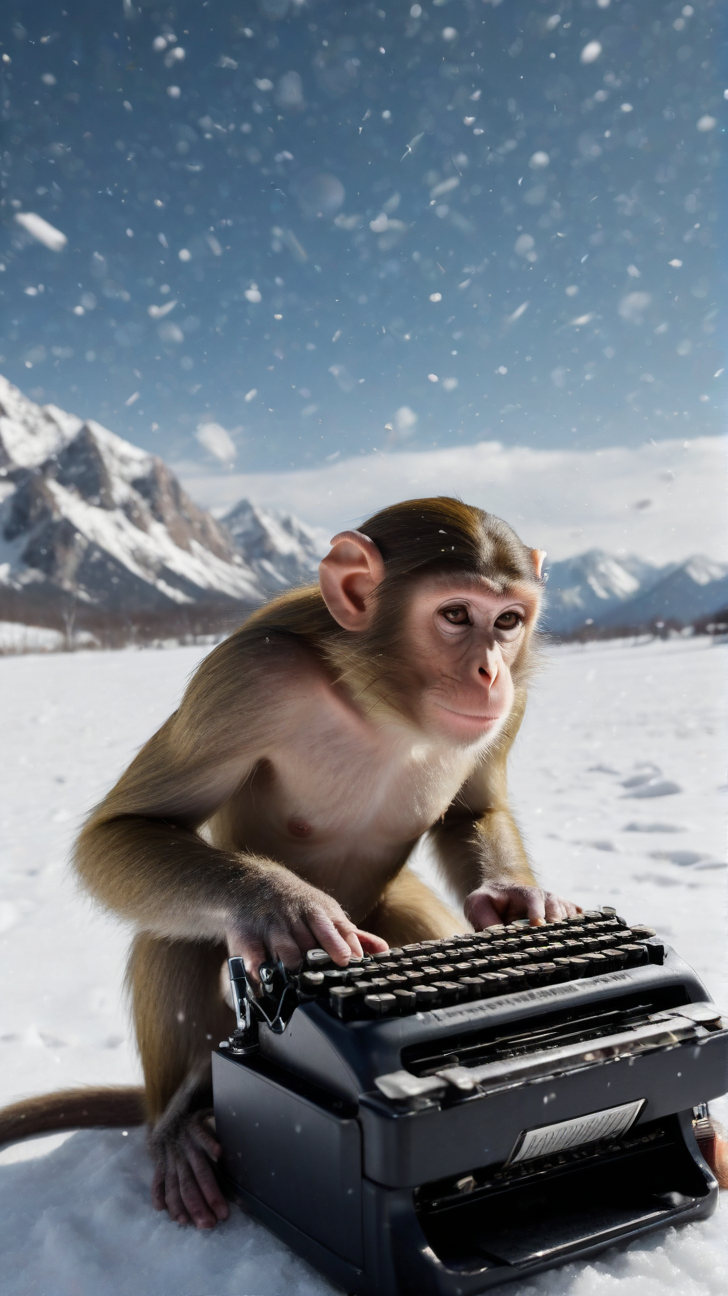
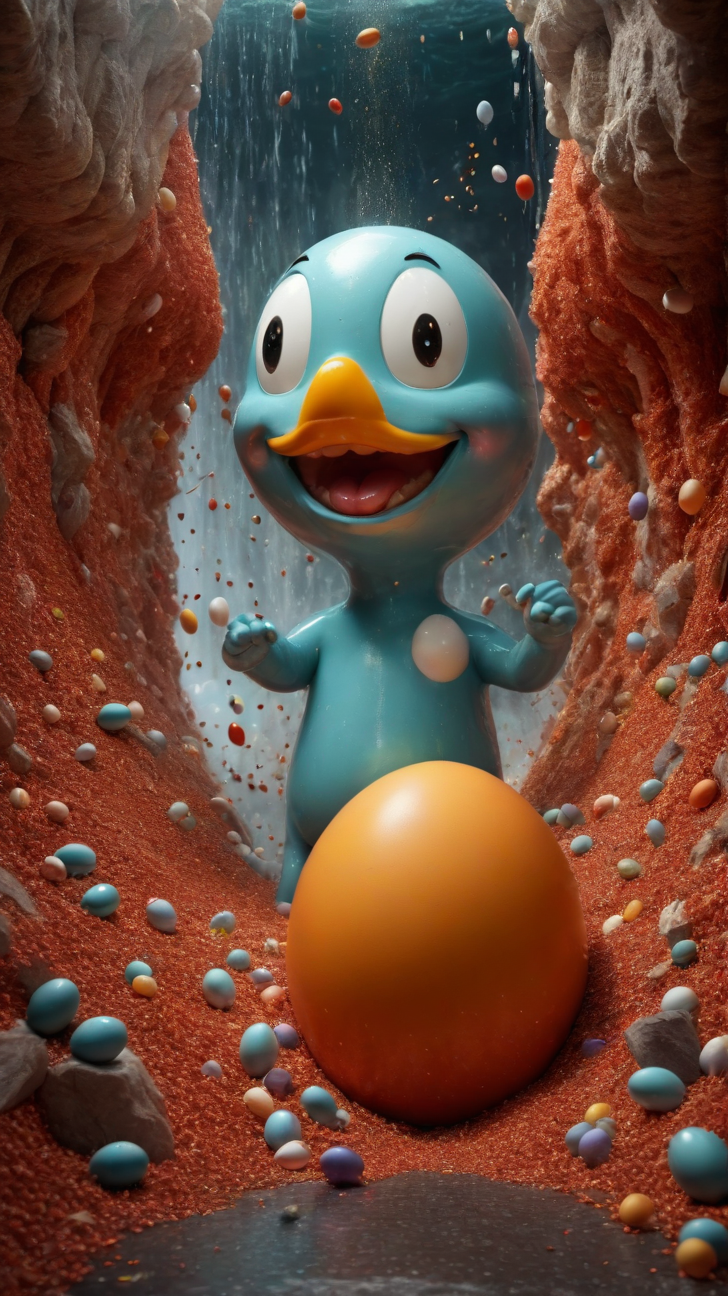
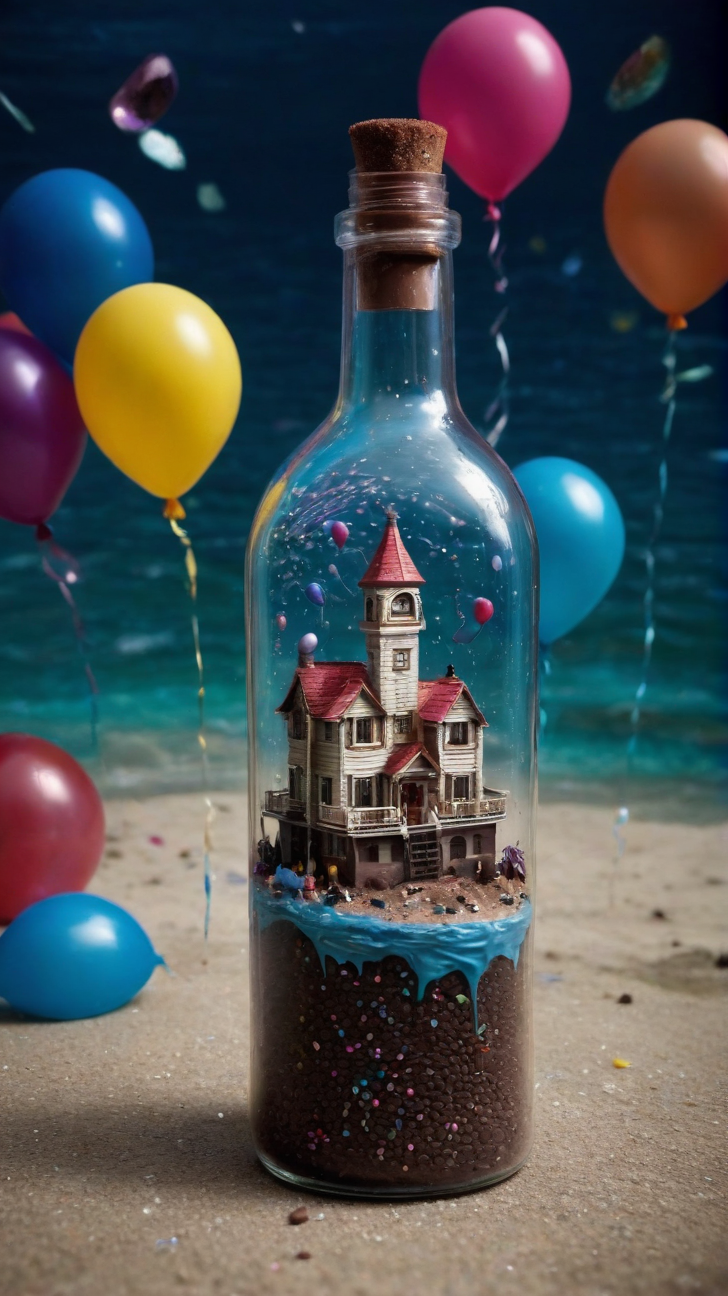
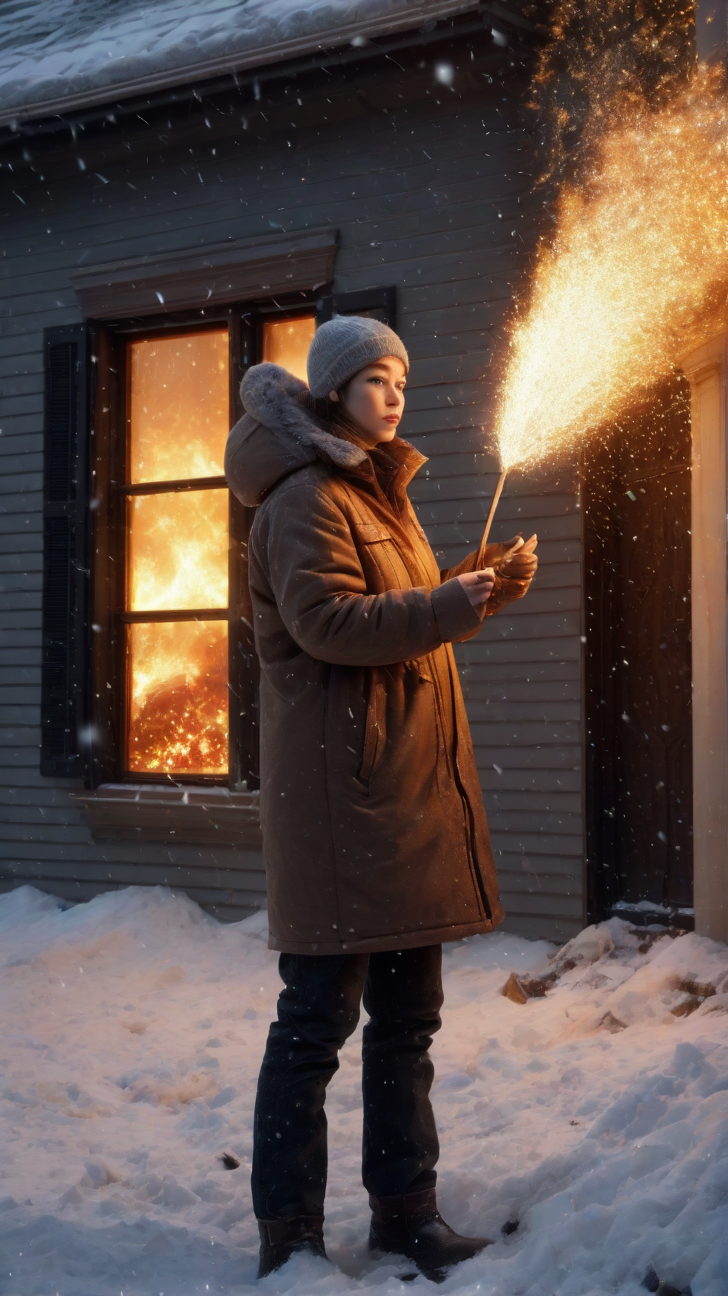
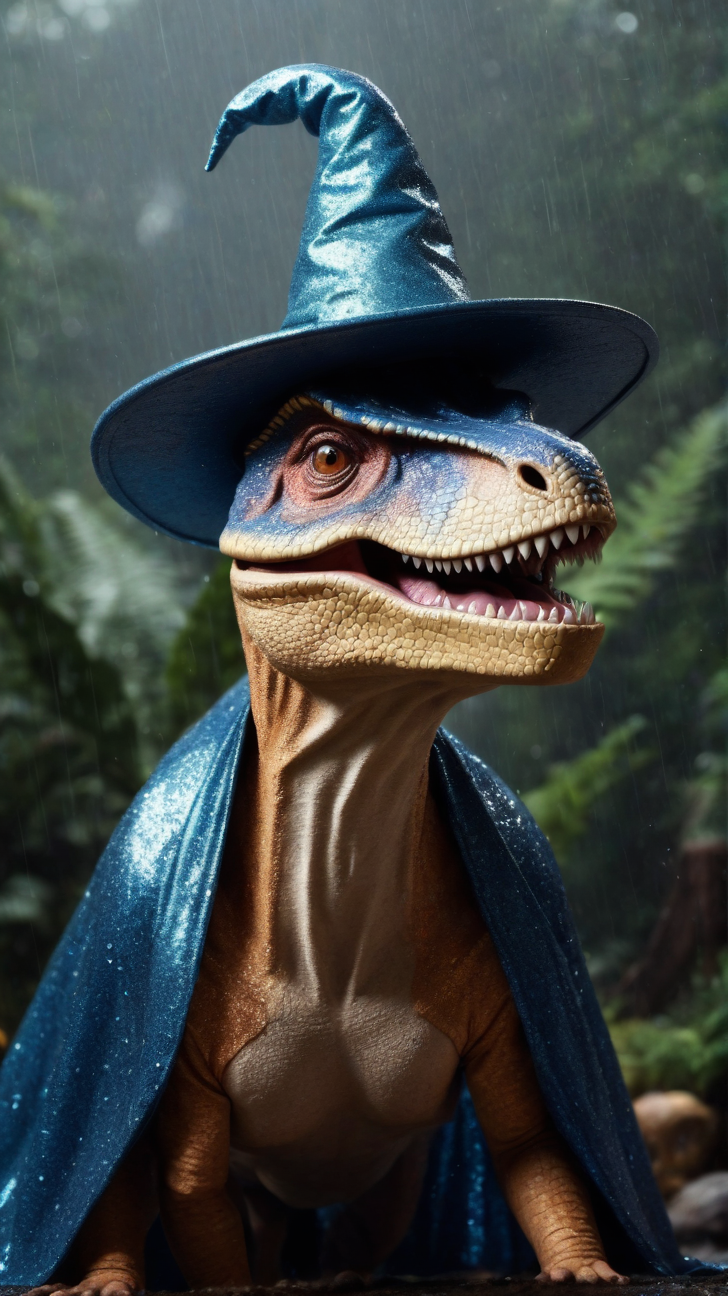
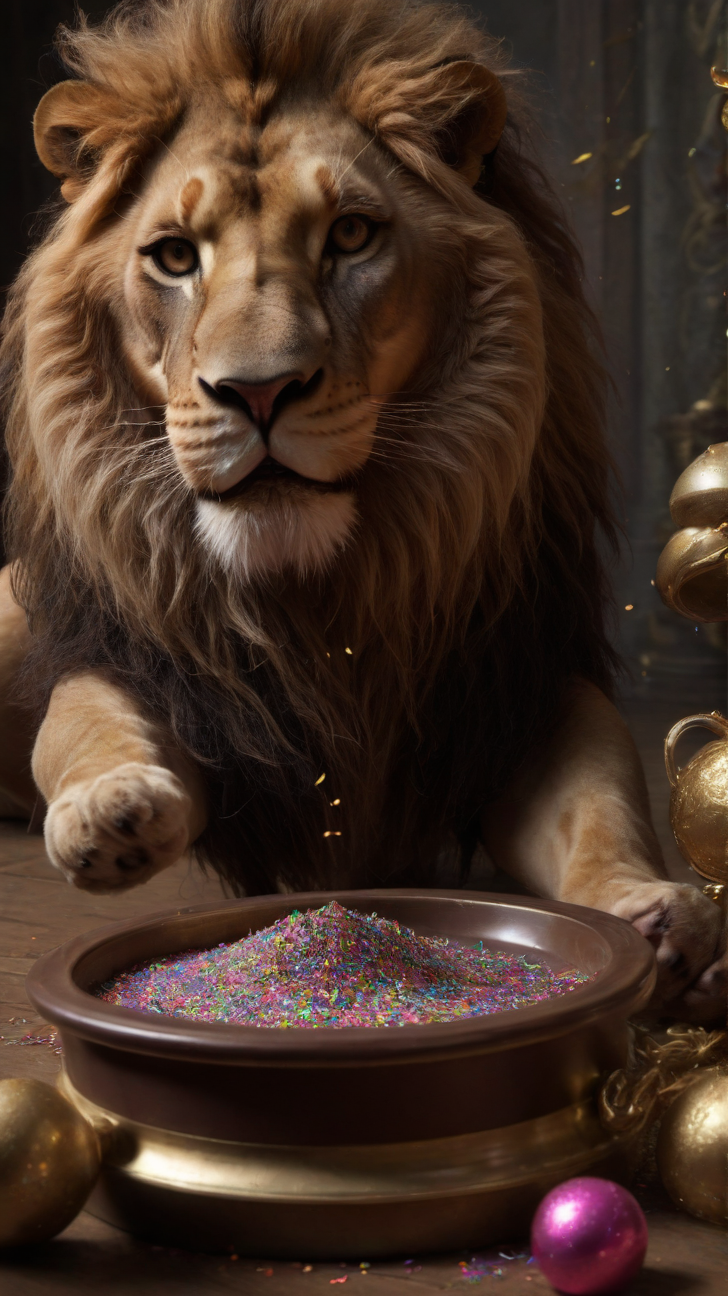
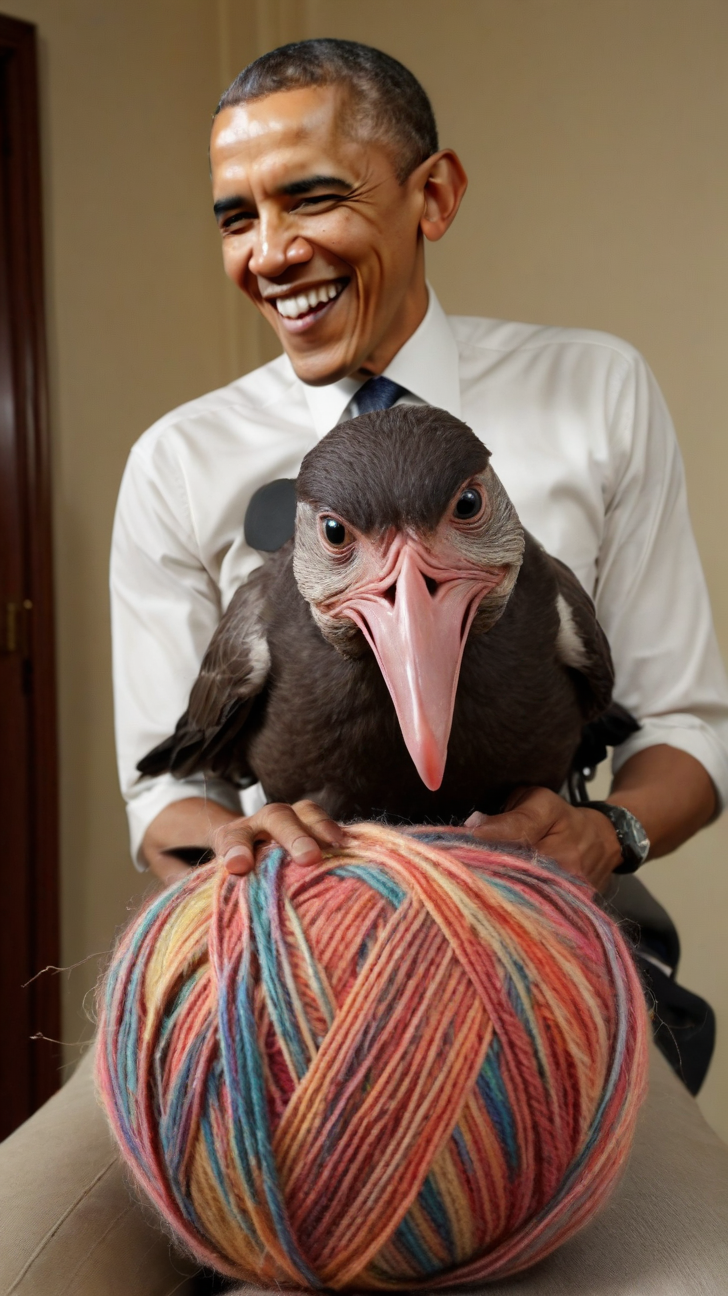
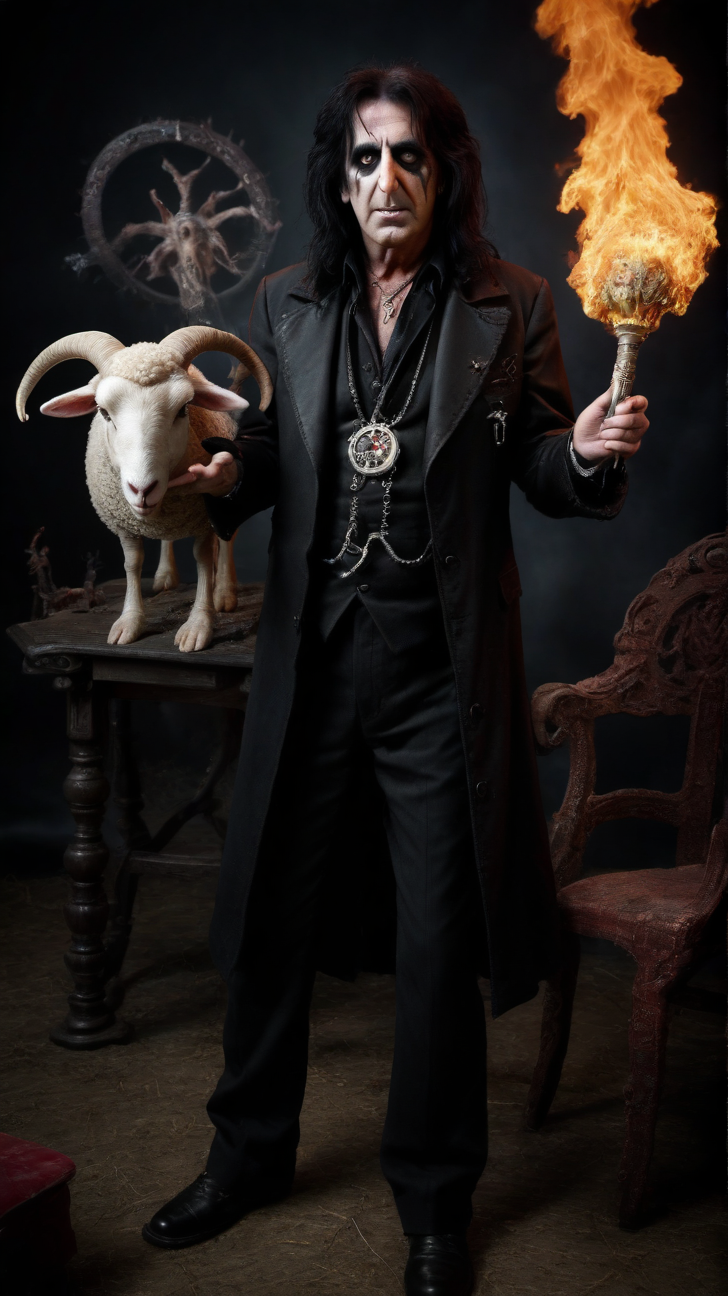
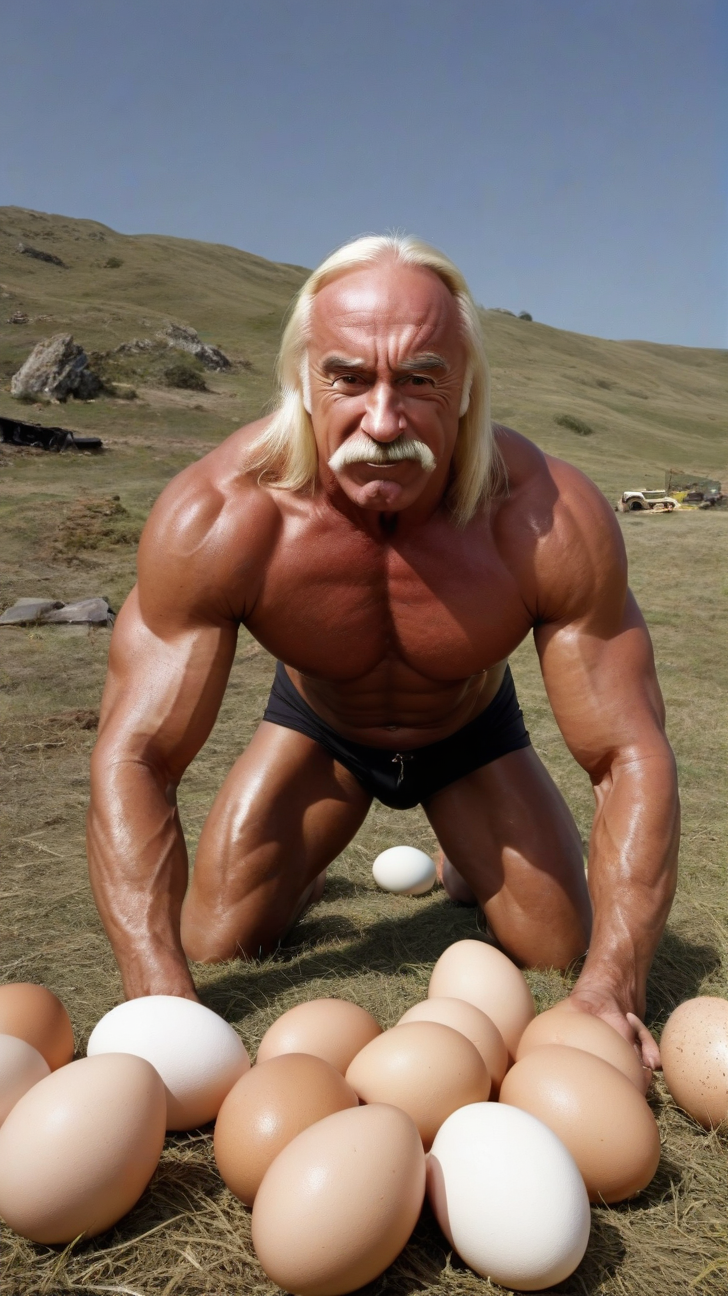
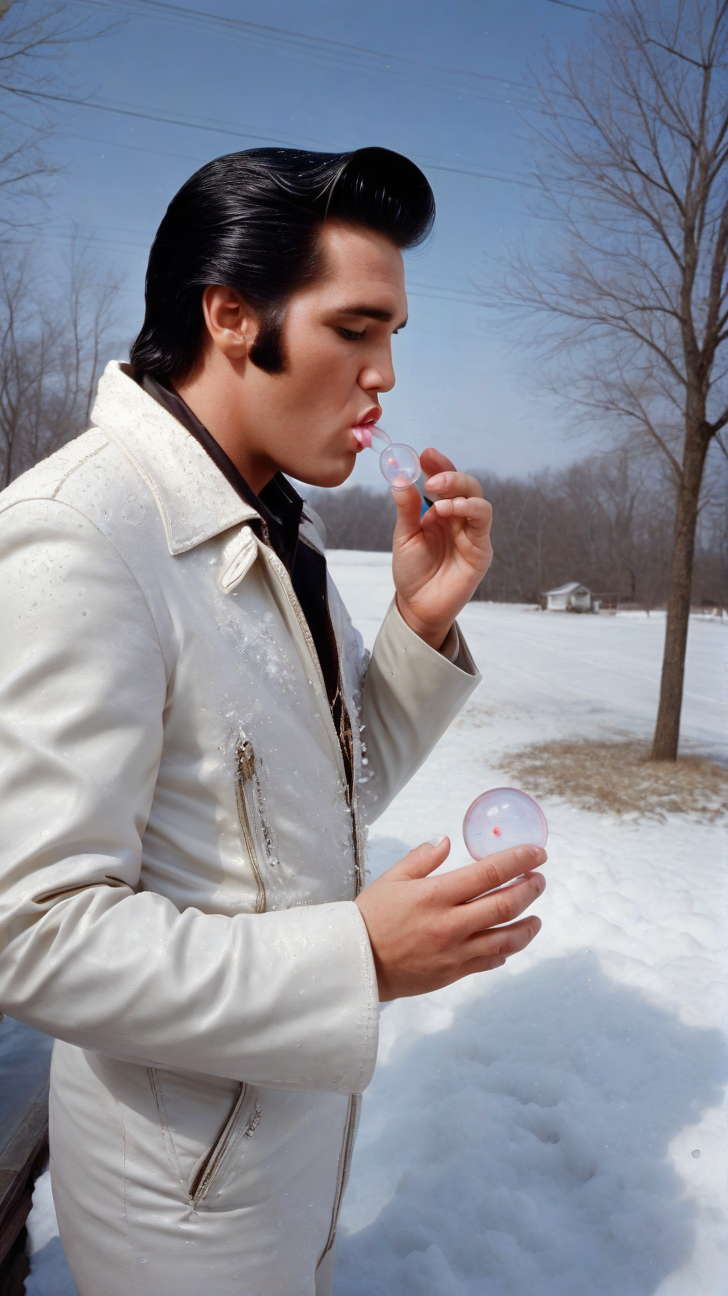
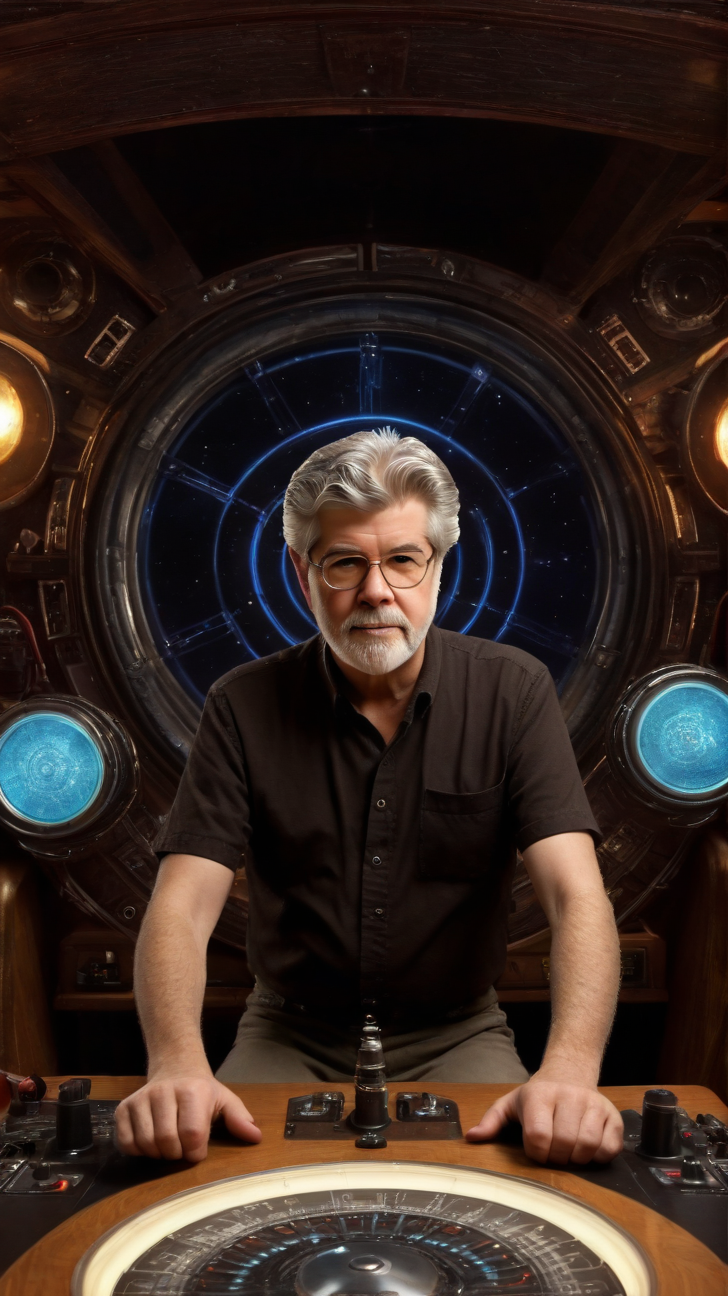
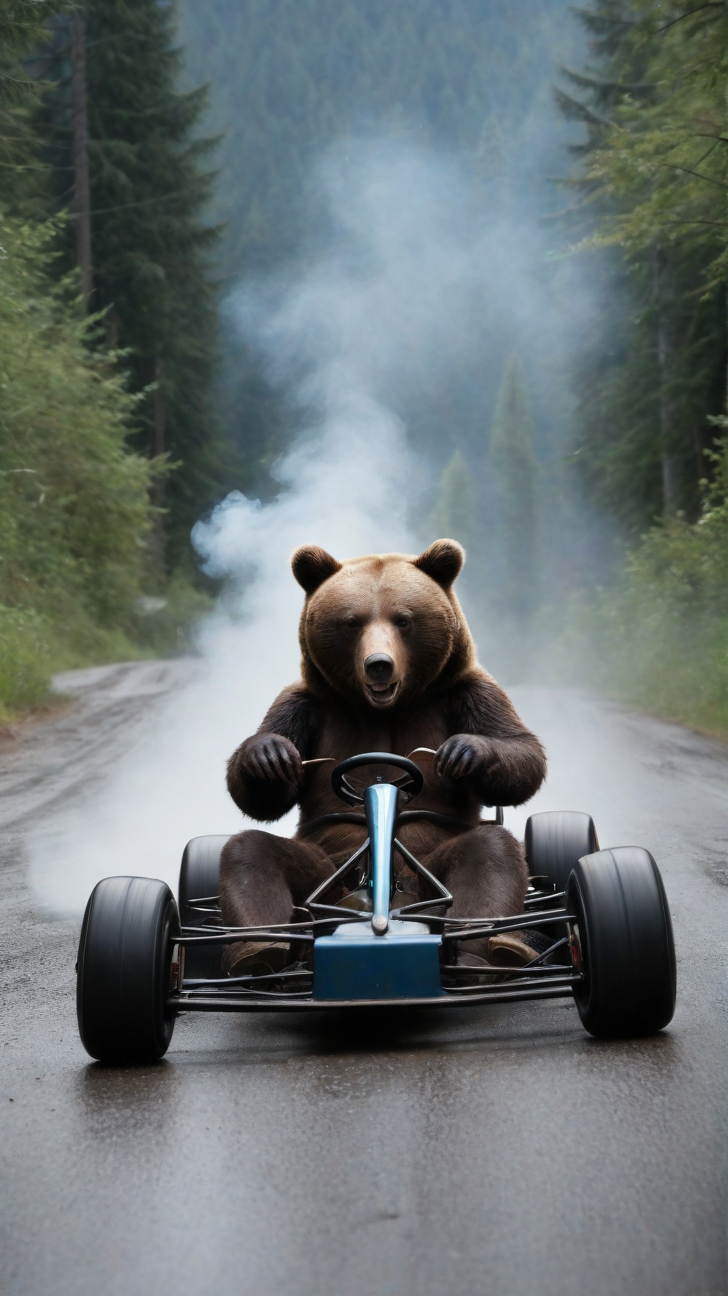
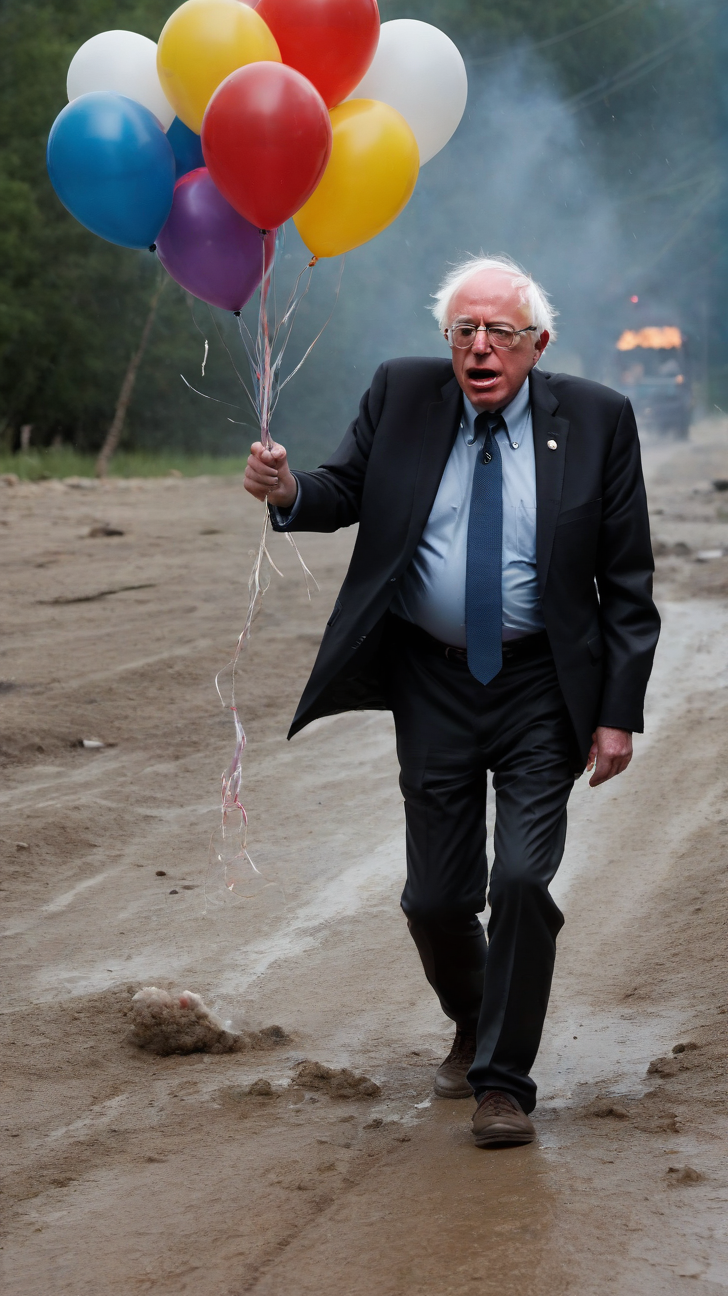
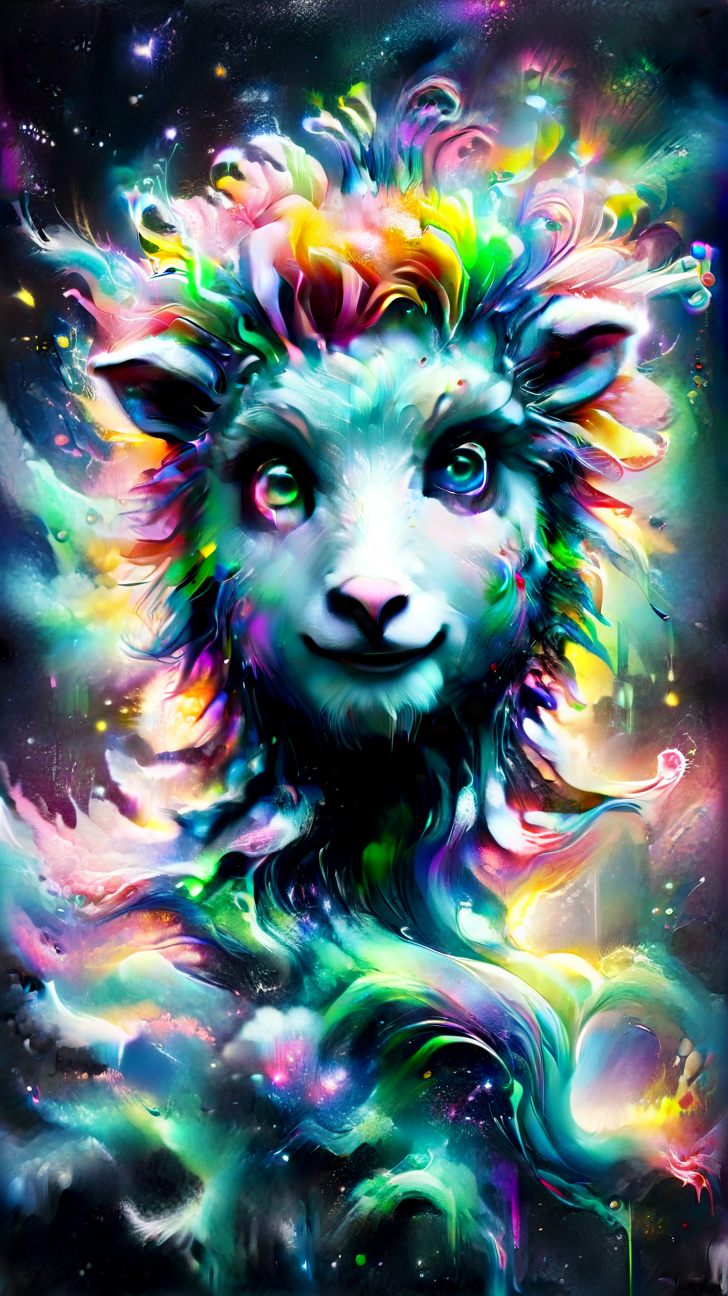
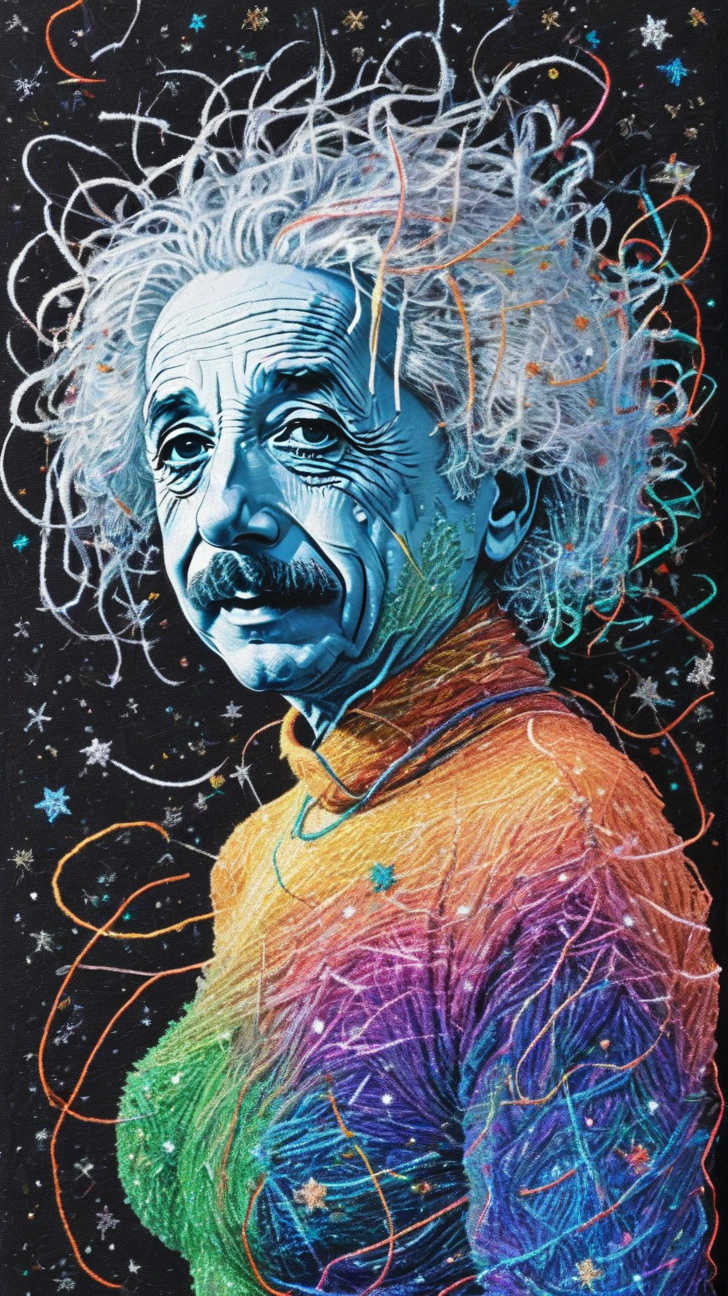
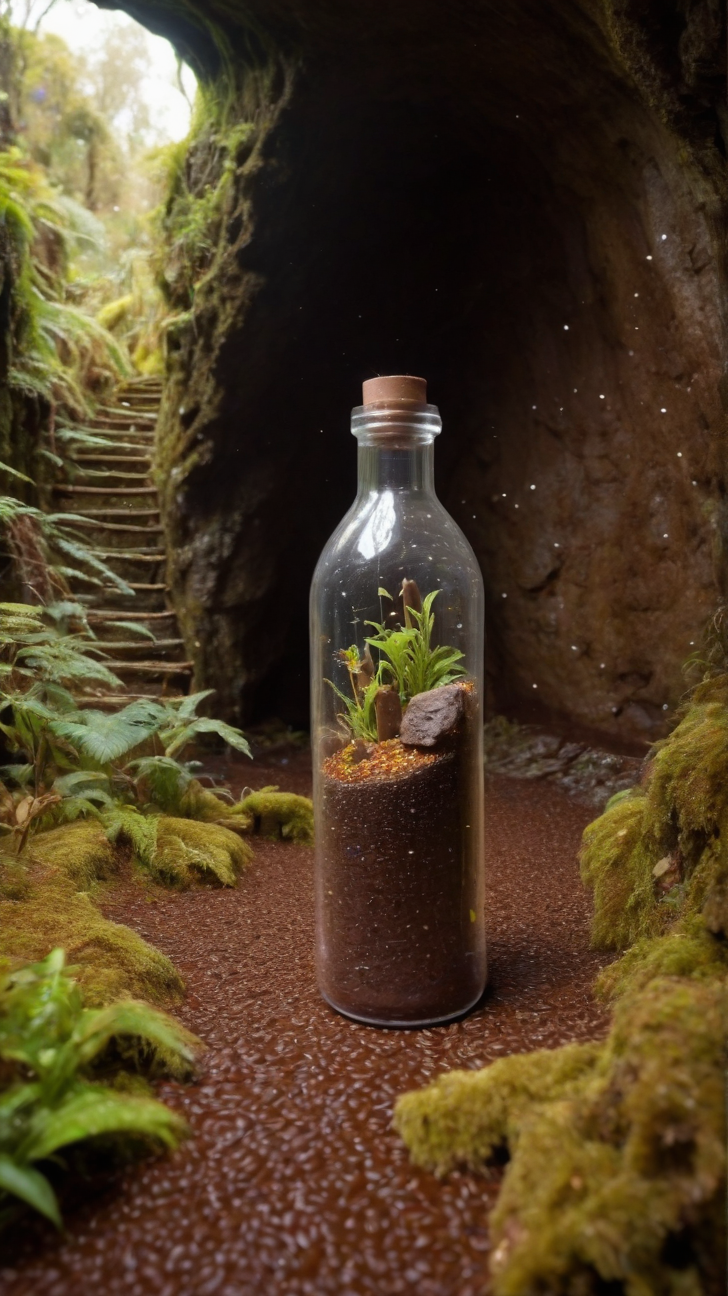
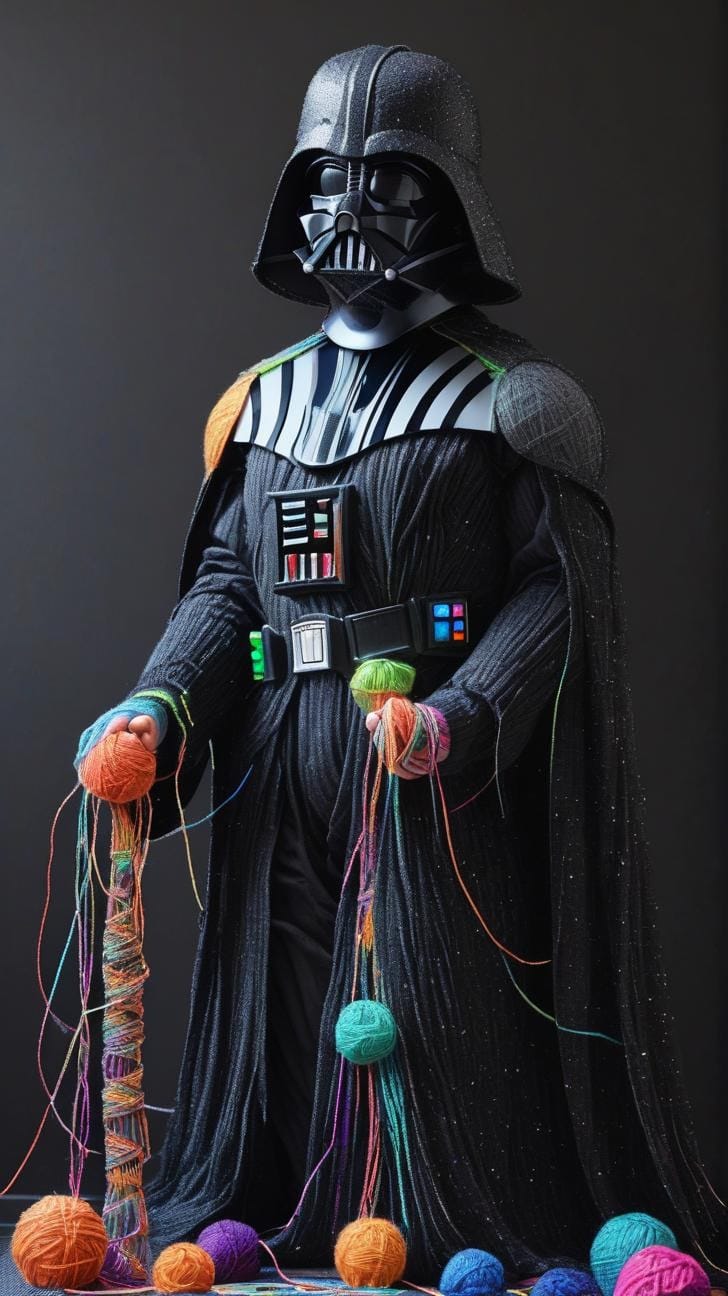
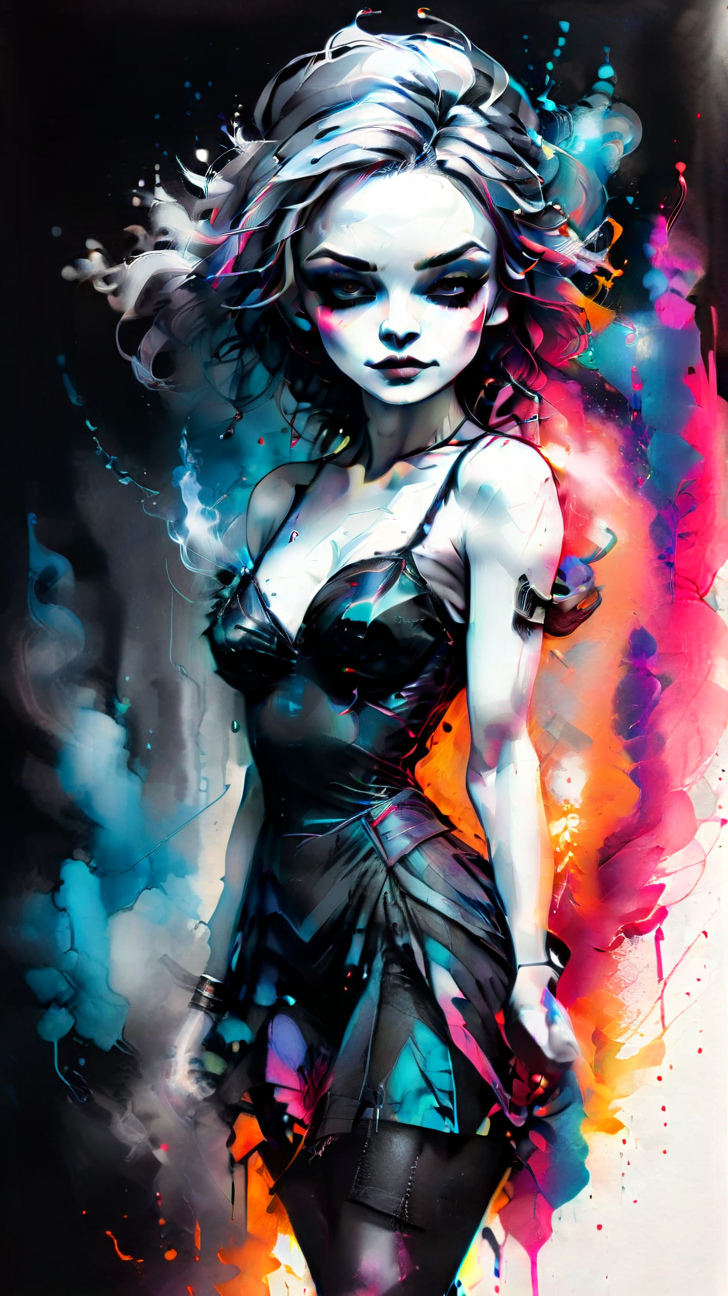
I'll close this with a gallery of some recent generations I liked:

Member discussion: