
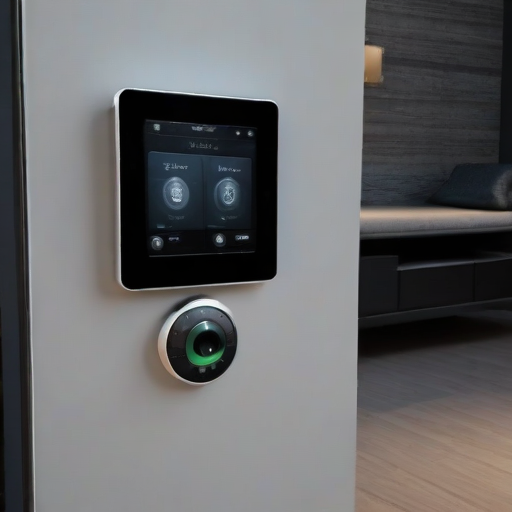
So obviously there are a lot of ways to control things around today's automated home. Tons of people control smart devices with their phones, voices, wall switches, buttons, etc. A fairly common tactic is to smack a tablet on the wall and have it display a full-screen app or webpage with local buttons. I make use of all of these, but this post is about the last one.
The wall-mounted home control tablet.
I've been utilizing old android devices as "light switches" for well over a decade. Many of my family members used to donate their old phones when they upgraded, providing me with many low-power devices to use. There are quite a few advantages to using phones or tablets in this way. In some form or another, they all;
- Have built in battery back up, built in wifi, built in bluetooth.
- Have touchscreens with brightness controls.
- Have speakers and microphones.
- Have web browsers to access control pages hosted on other systems.
- Many have built in front-facing cameras, vibration sensors, temperature sensors, luminosity sensors, etc.
- Can be powered by common USB power taps.
- Are very common, and commonly available for cheap.
I have looked into it many times, and it is simply not economically viable to build a device like this from components yourself. Sure, you can source the parts and put them together, but the end result will be less powerful, less versatile, and much more expensive.
So for all of these reasons, I've found the humble android tablet and or phone to be the ideal device for this sort of thing. I put one on the wall of most rooms, and all devices and sensors relevant to that room are accessible. Further, I ensure that you can control any device in any room from these tablets with a maximum of 4 taps. This is an important part of my Home UX design philosophy.
These tablet interfaces have evolved a bit over the years. I actually started with 3M Ergo Audrey back in 2005-6 or so. Back then, I was using Mister House as a main controller. I have looked, but haven't found any clear pictures of this interface, which is sad. I found the Audrey's on ebay for $50-$70 each (they were never really supported well by the manufacturer). I picked up some ancient-by-today's-standards USB->10base-T Ethernet adapters, and wired them up. At this time, most of what I could control was old powerline X10 relays. I did the basic stuff, a few lamps, the coffee maker. I had a few buttons on each screen, nothing fancy.
When we bought our home in 2008, I spent much of the first couple years we lived there thinking about how to build out the automations I had become accustomed to. The way our house was wired, the X10 devices were far less useful than at our old house. Even with a phase coupler, the signals were not reliable. I switched to mostly using manual control (like a cave man!) with a few things wired into a digital i/o board I found online (shoutout to Weeder Technologies who have been selling this sort of stuff since before it was cool).
This worked for a few years, but when I started using Home Assistant (Sometime in early 2016), I needed something a bit more robust. I found a project by Andrew Cockburn called HADashboard.
I spent a few weeks collecting old tablets and phones, mounted them on the wall, and got to tinkering. The below photos aren't the first version (those have sadly been lost to time as well), but not too long after - around january of 2017 or so. I know because I made a post about it.
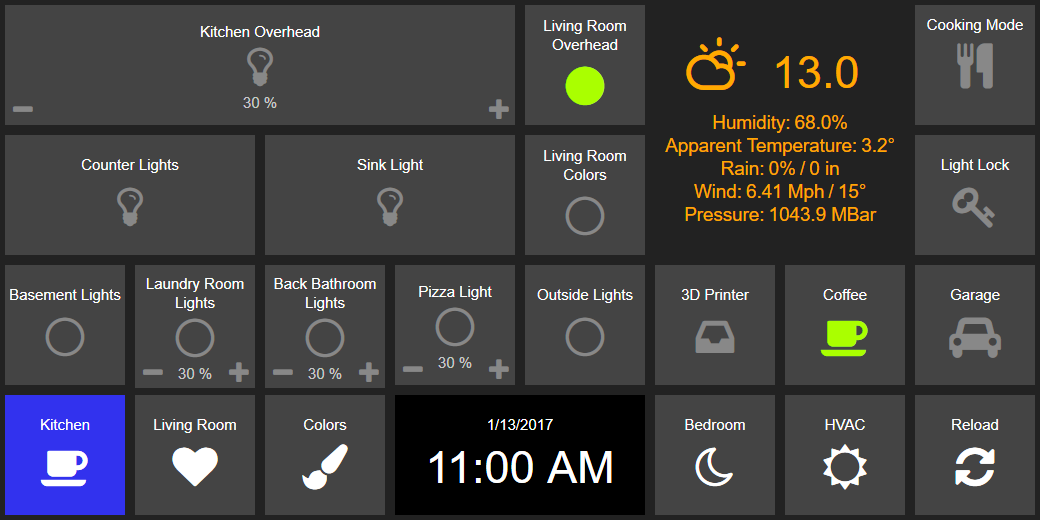
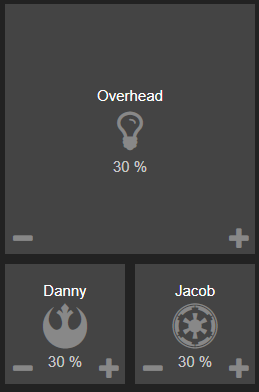
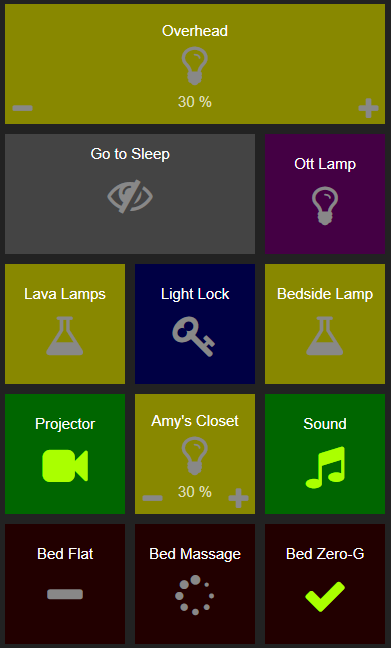
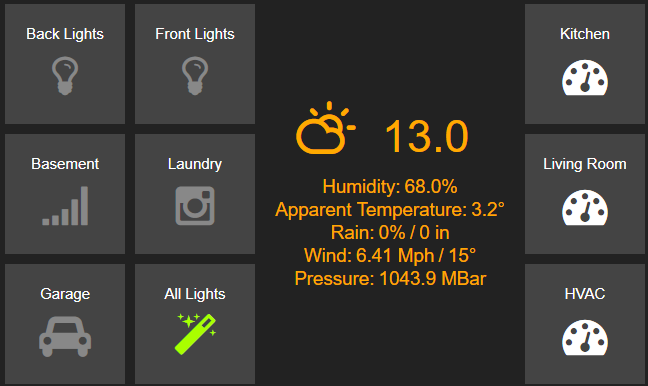
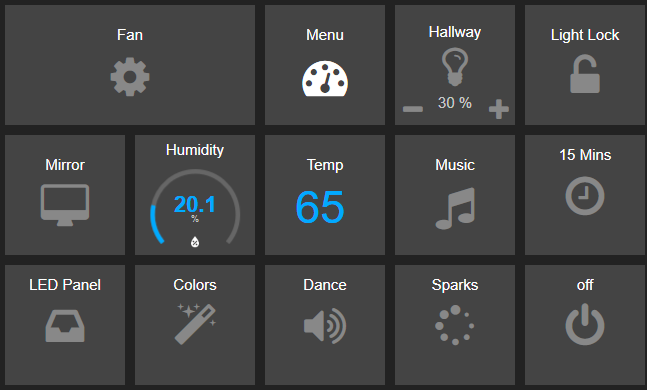
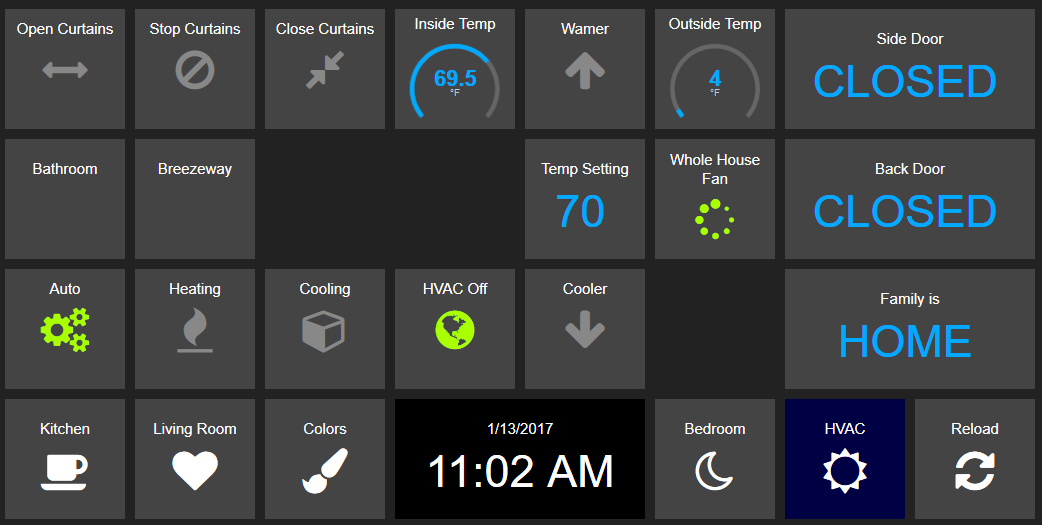
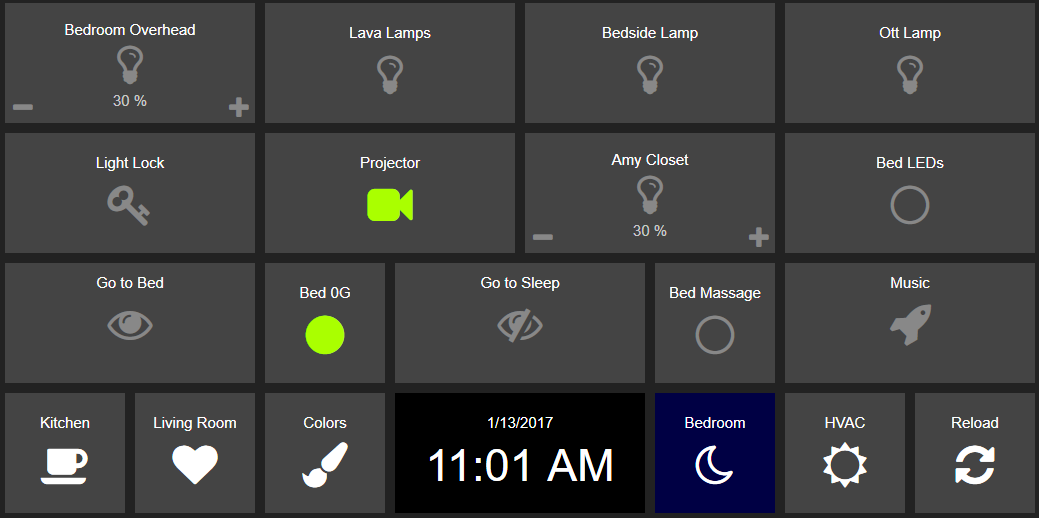
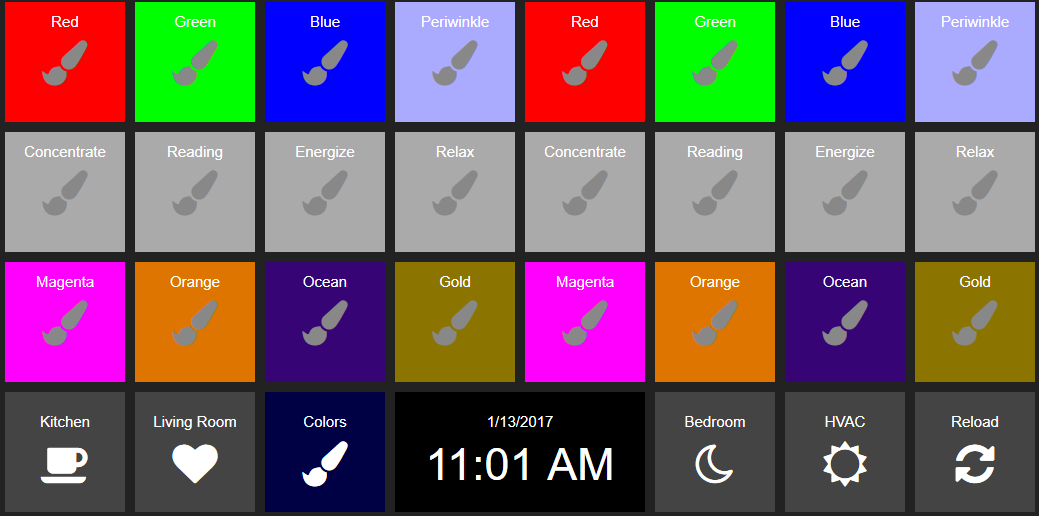
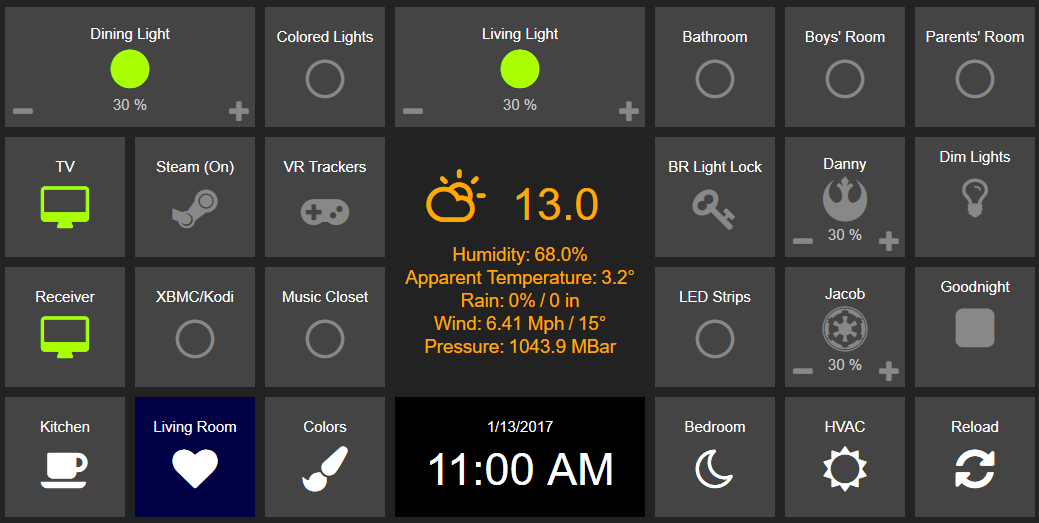
Early home automation panels using HADashboard
I even have a few shots of them running on real hardware, instead of just screengrabs:
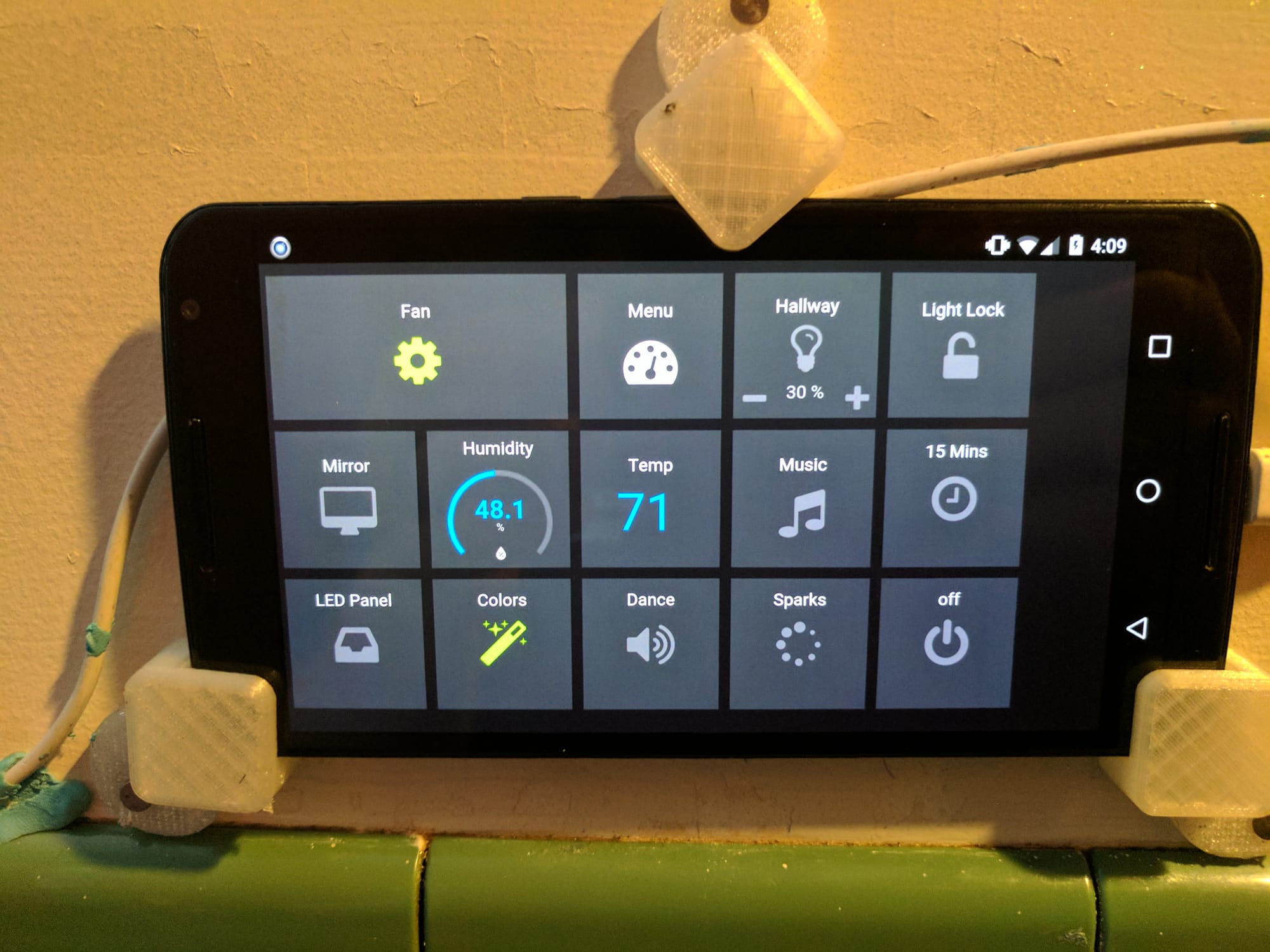
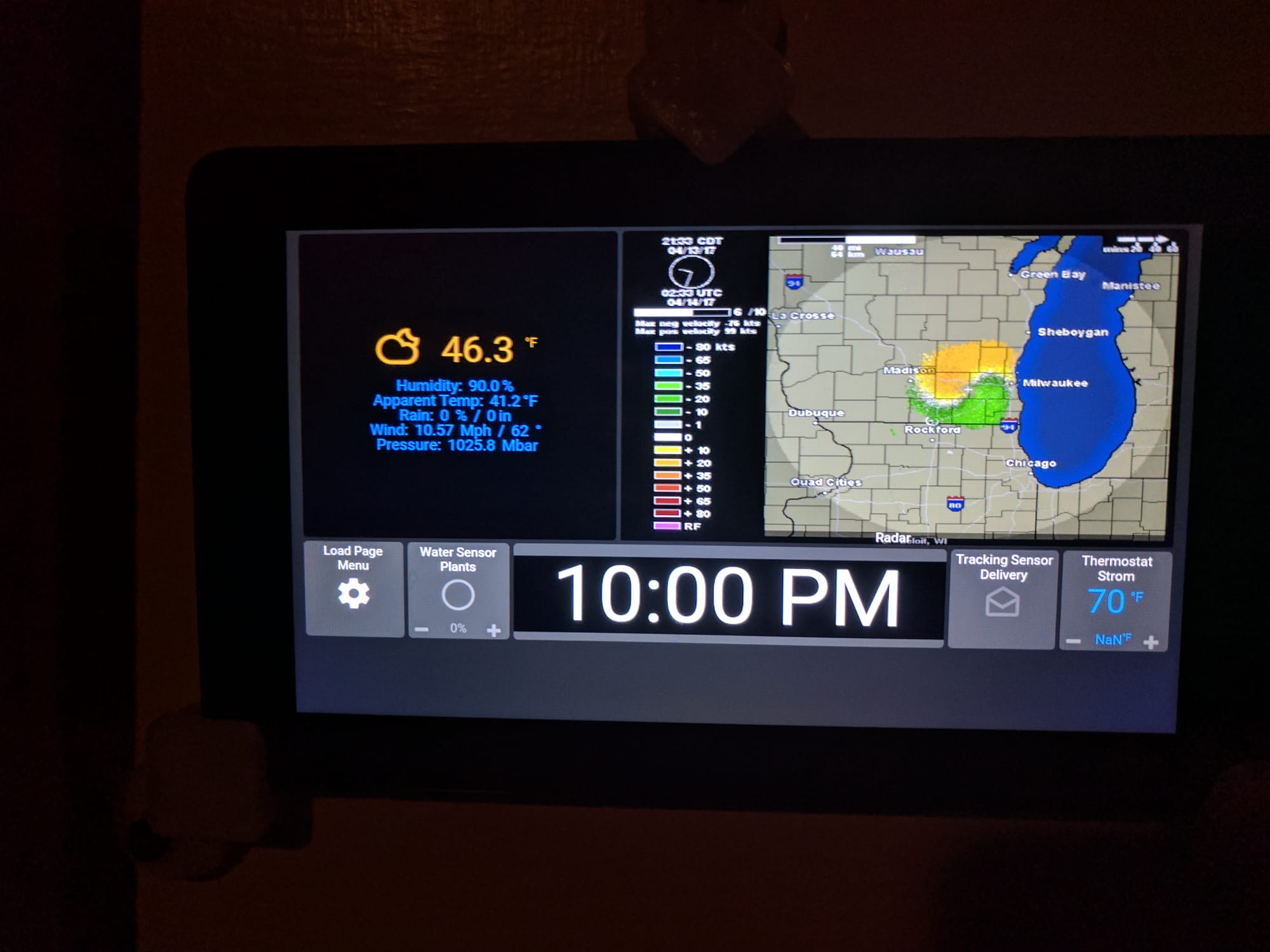
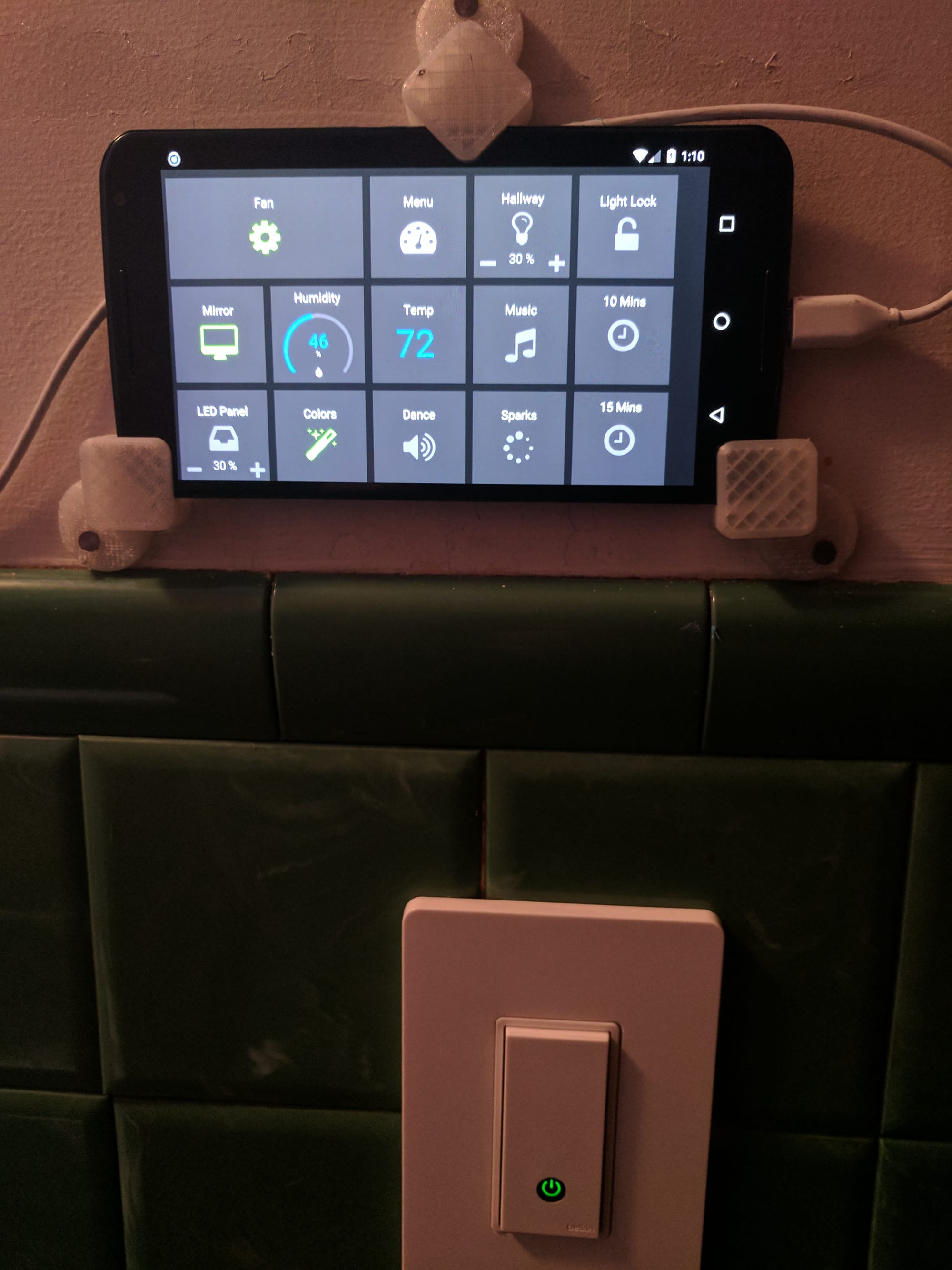
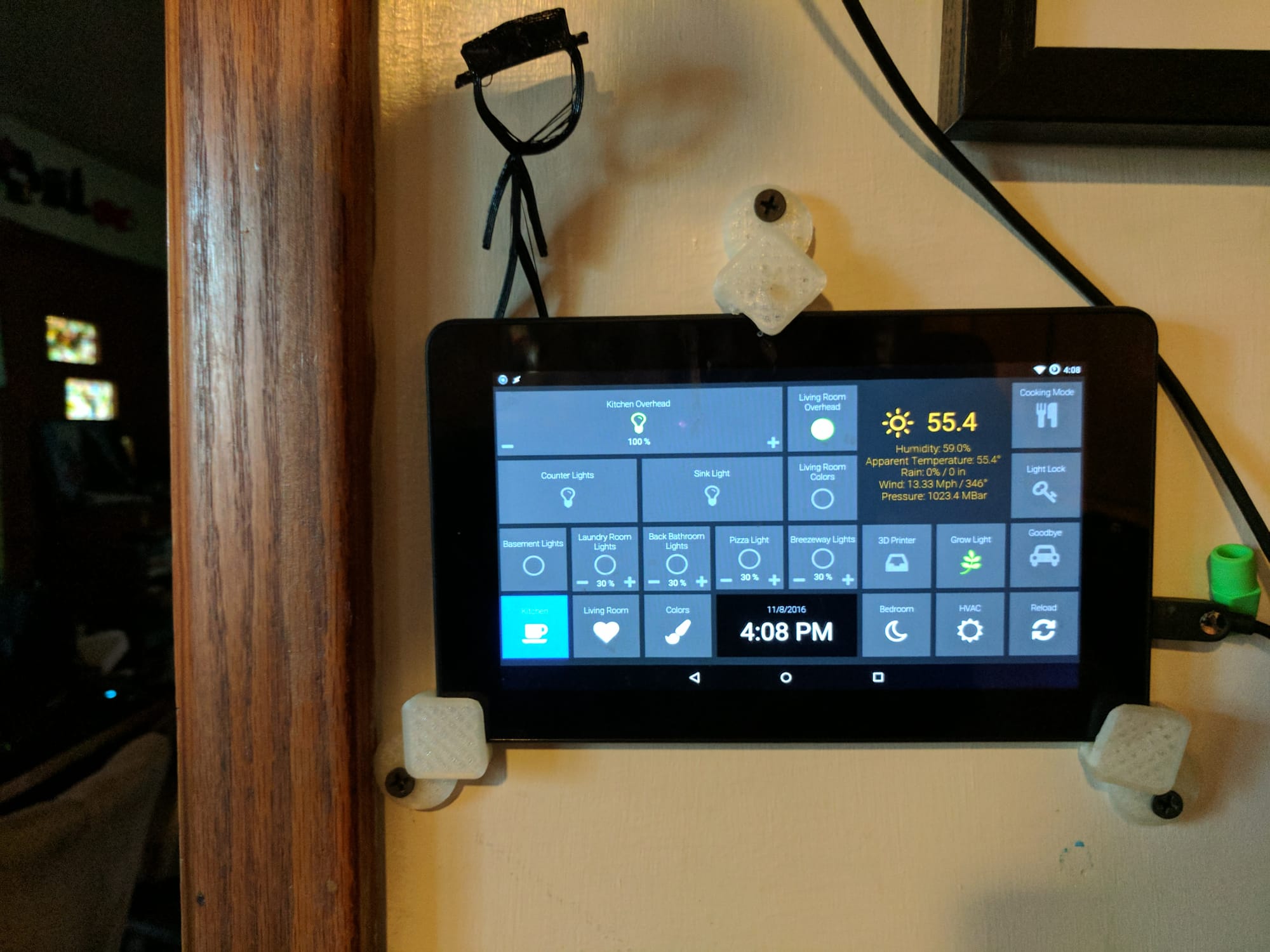
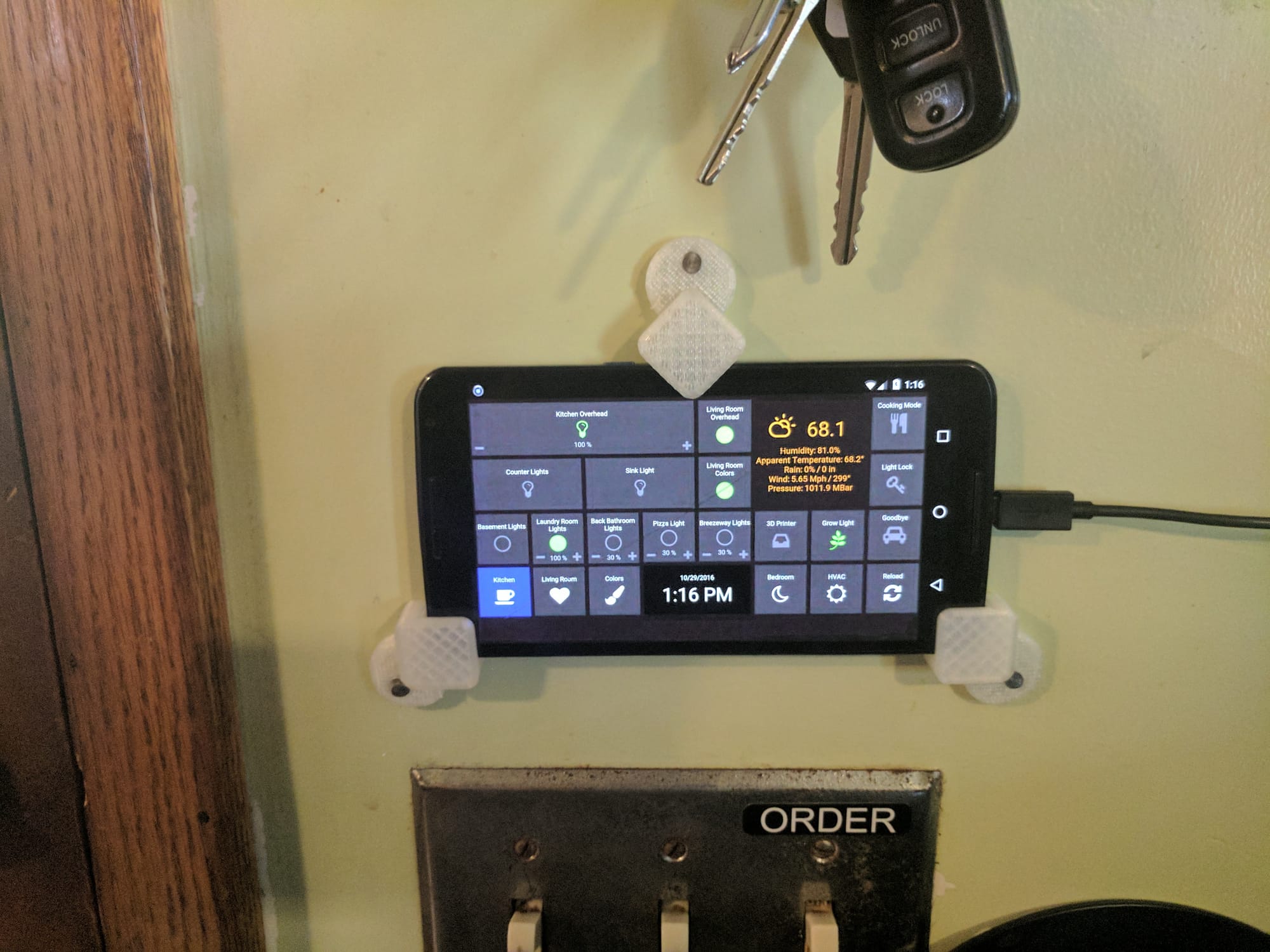
Photos of HADashboard running on 7" Amazon Fire Tablets and a couple of Nexus 6 phones.
I continued to update and evolve these interfaces, adding rotating background images and transparent buttons. Unfortunately I don't have any images from this time. Eventually I outgrew HADashboard (it had been rolled into AppDaemon by that point), and moved to utilizing Home Assistant dashboards. Here are a few, I don't have images of most of them, anymore. Funny how you never think to screenshot or photograph things until they are gone.
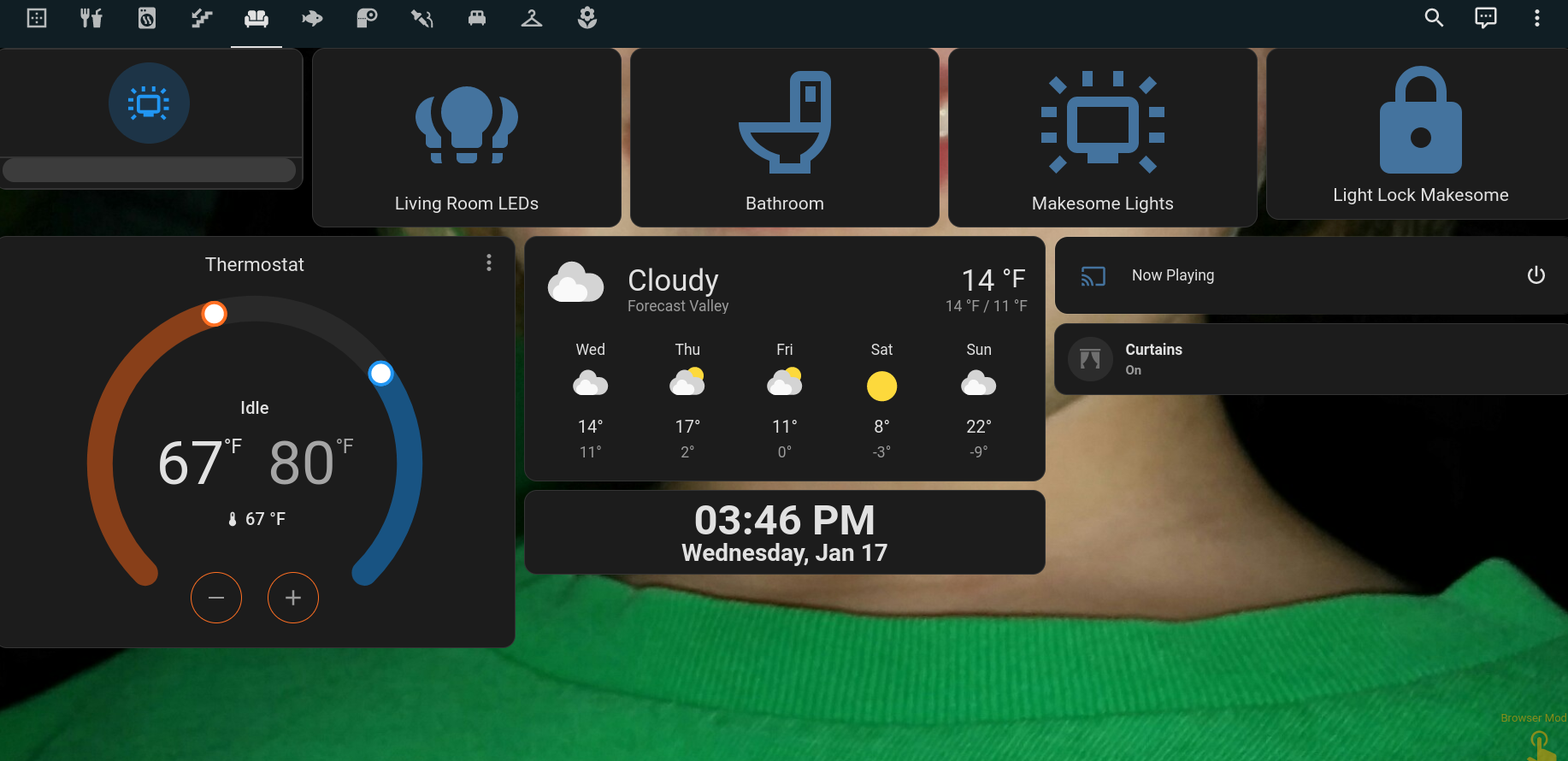
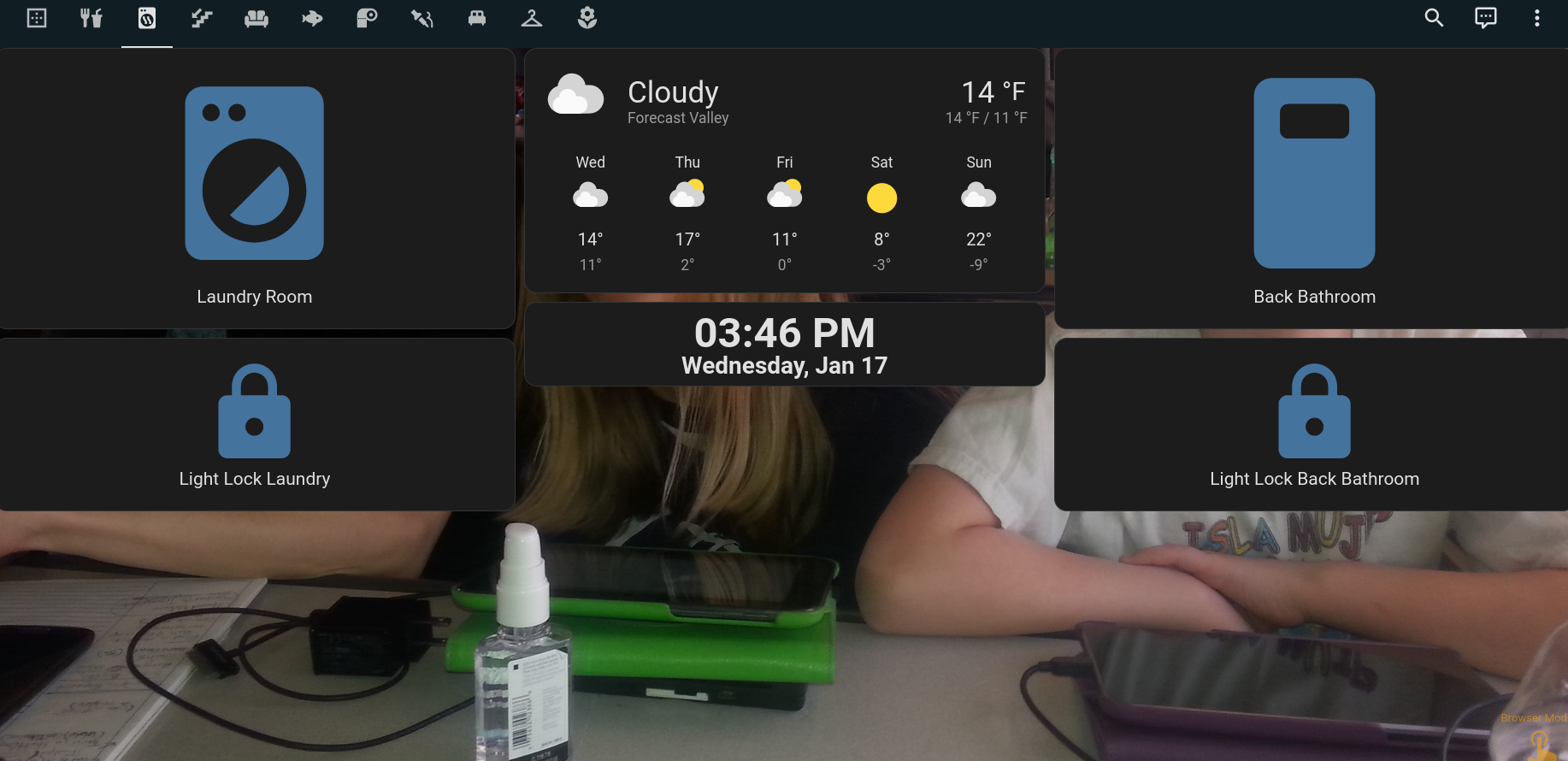
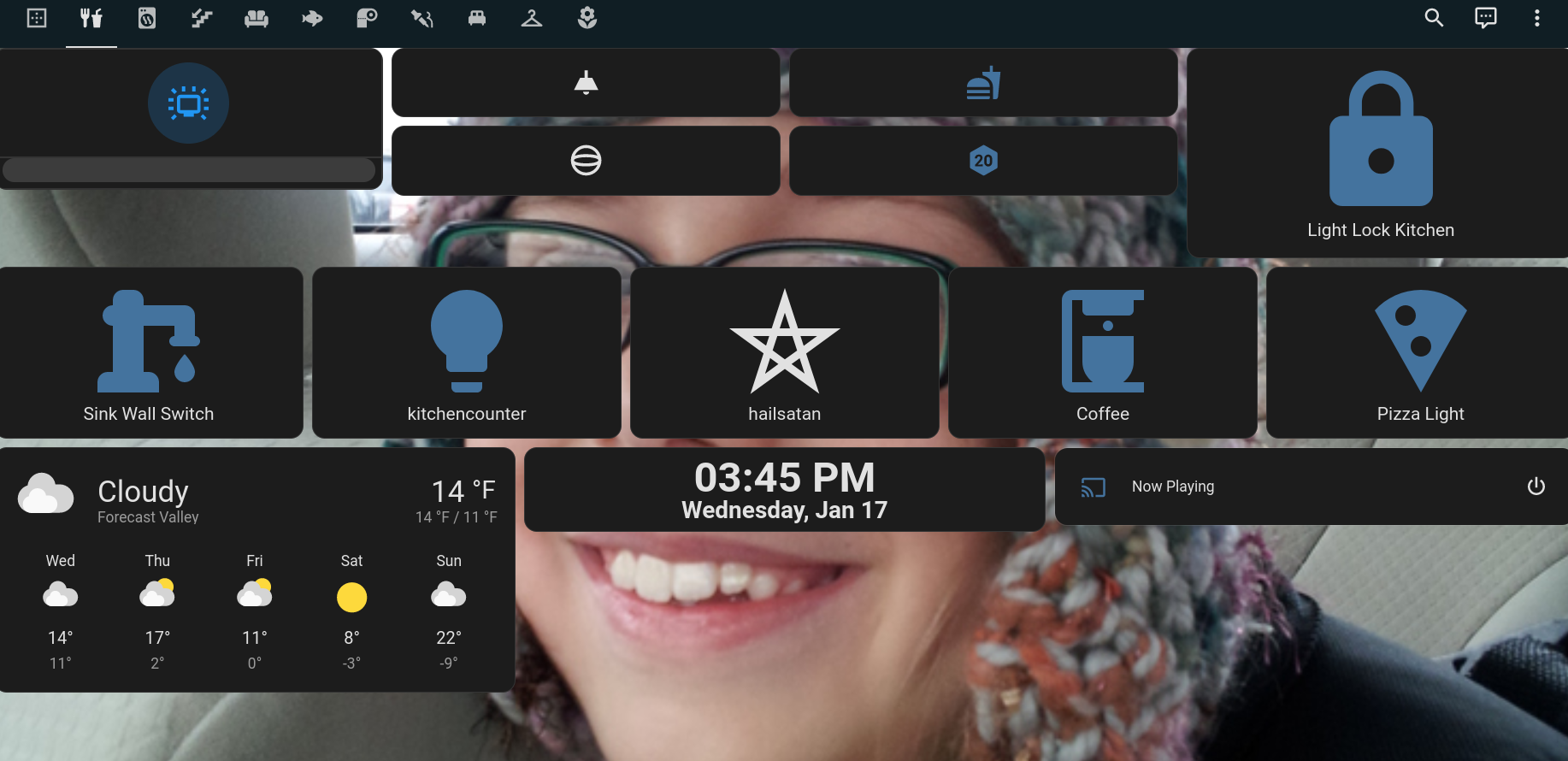
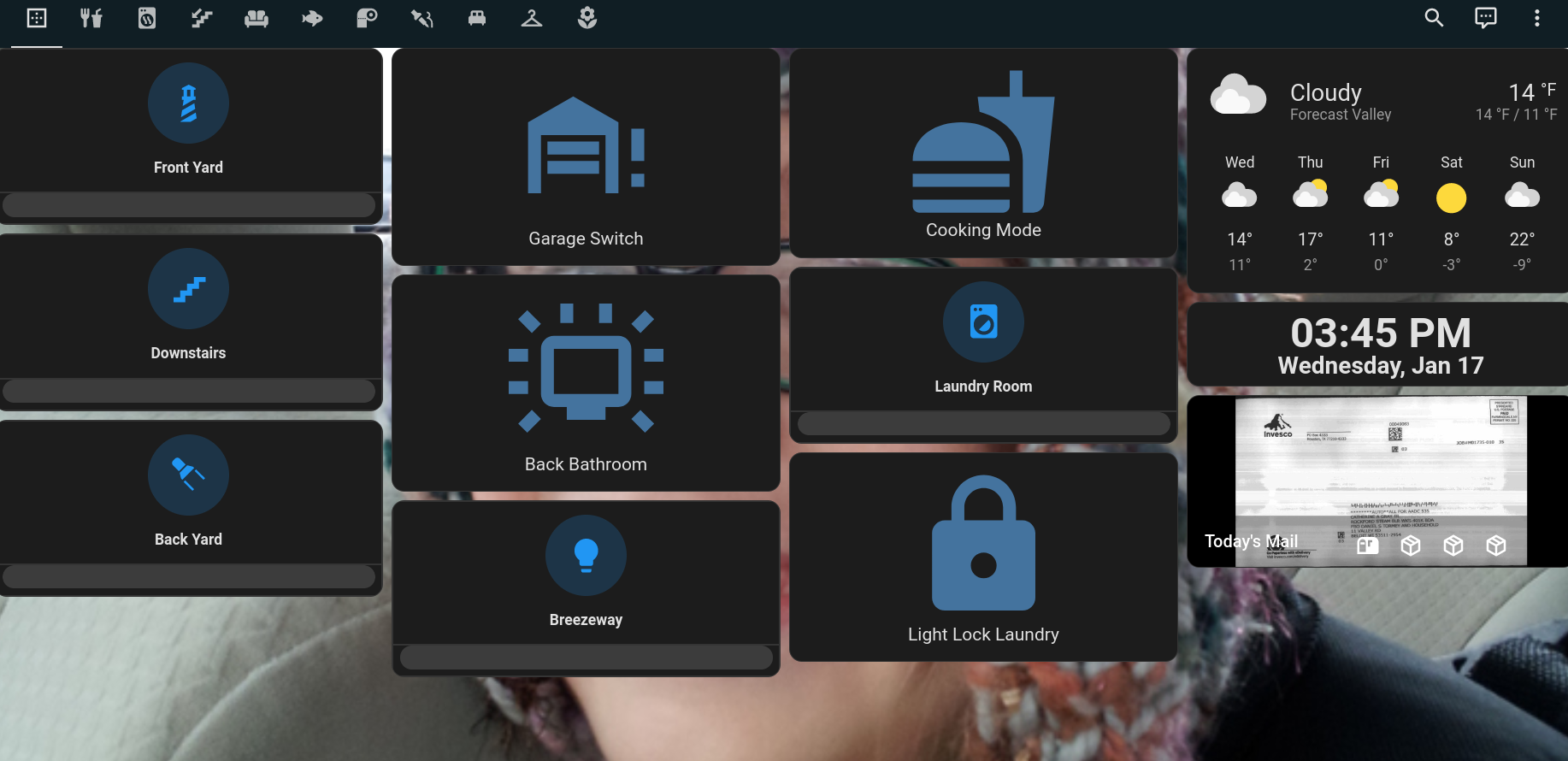
A few screen grabs from the Home Assistant Dashboard era
I ran these for a long time, but eventually wanted something a little different. Around January of 2022, I started work on the LCARS interface I am still using today.
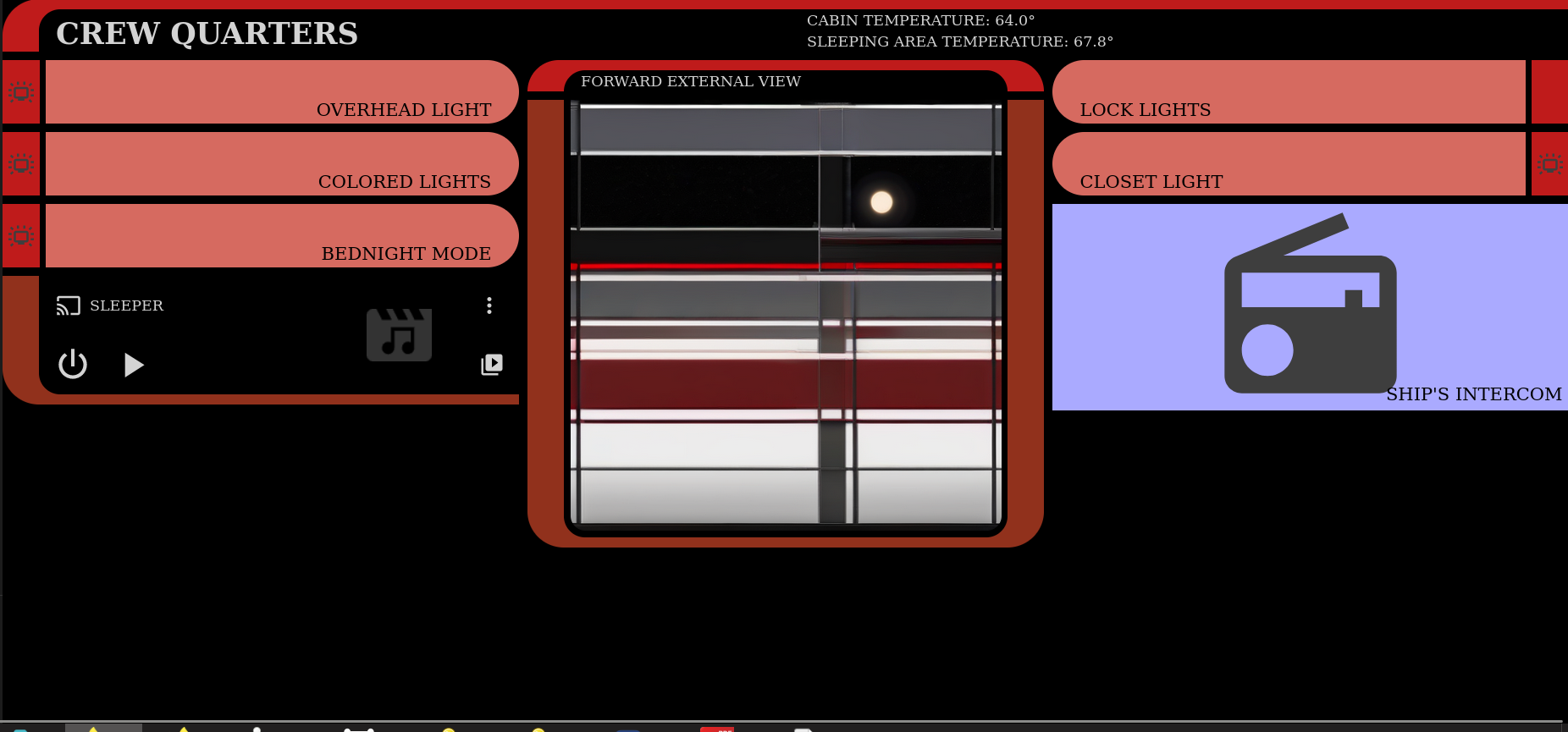
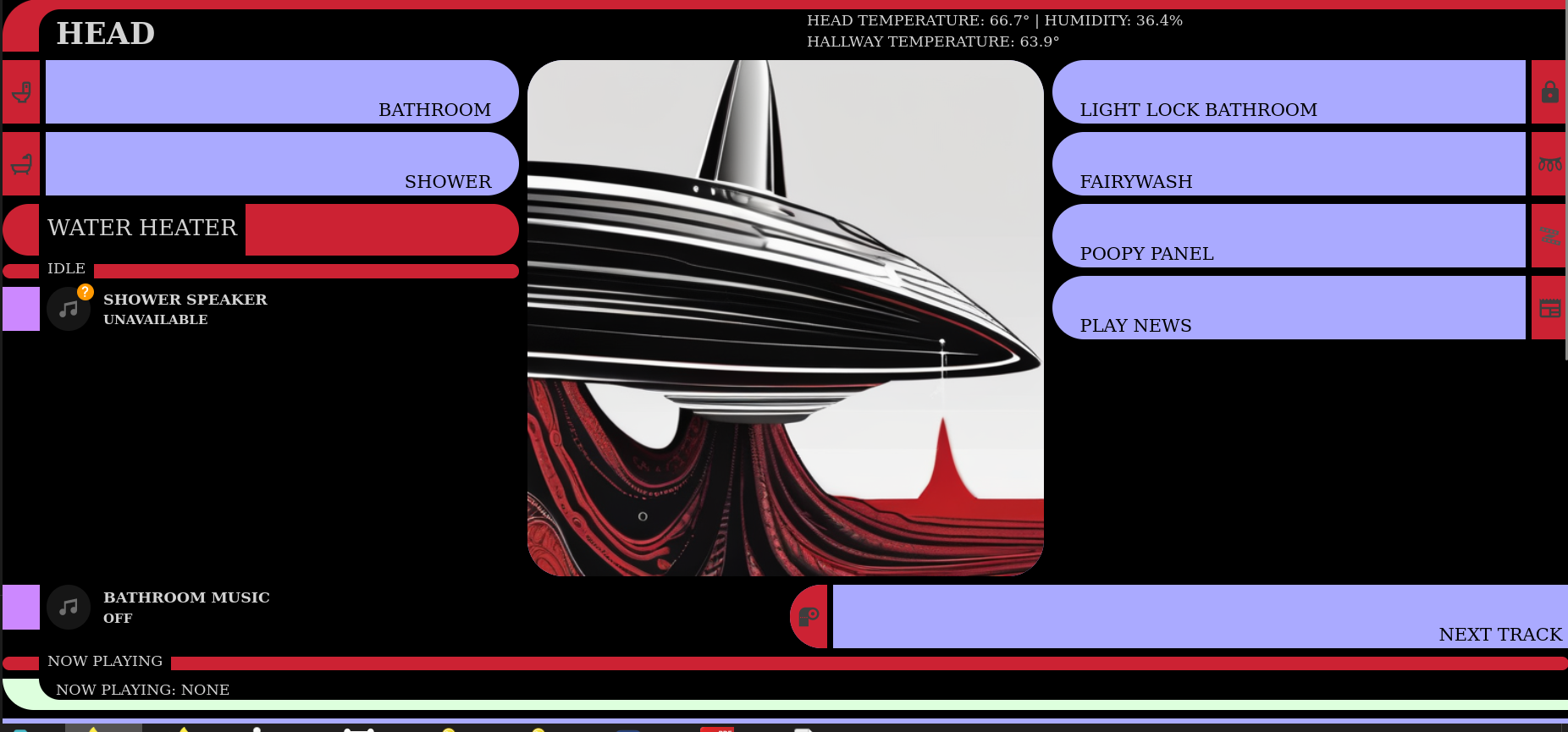
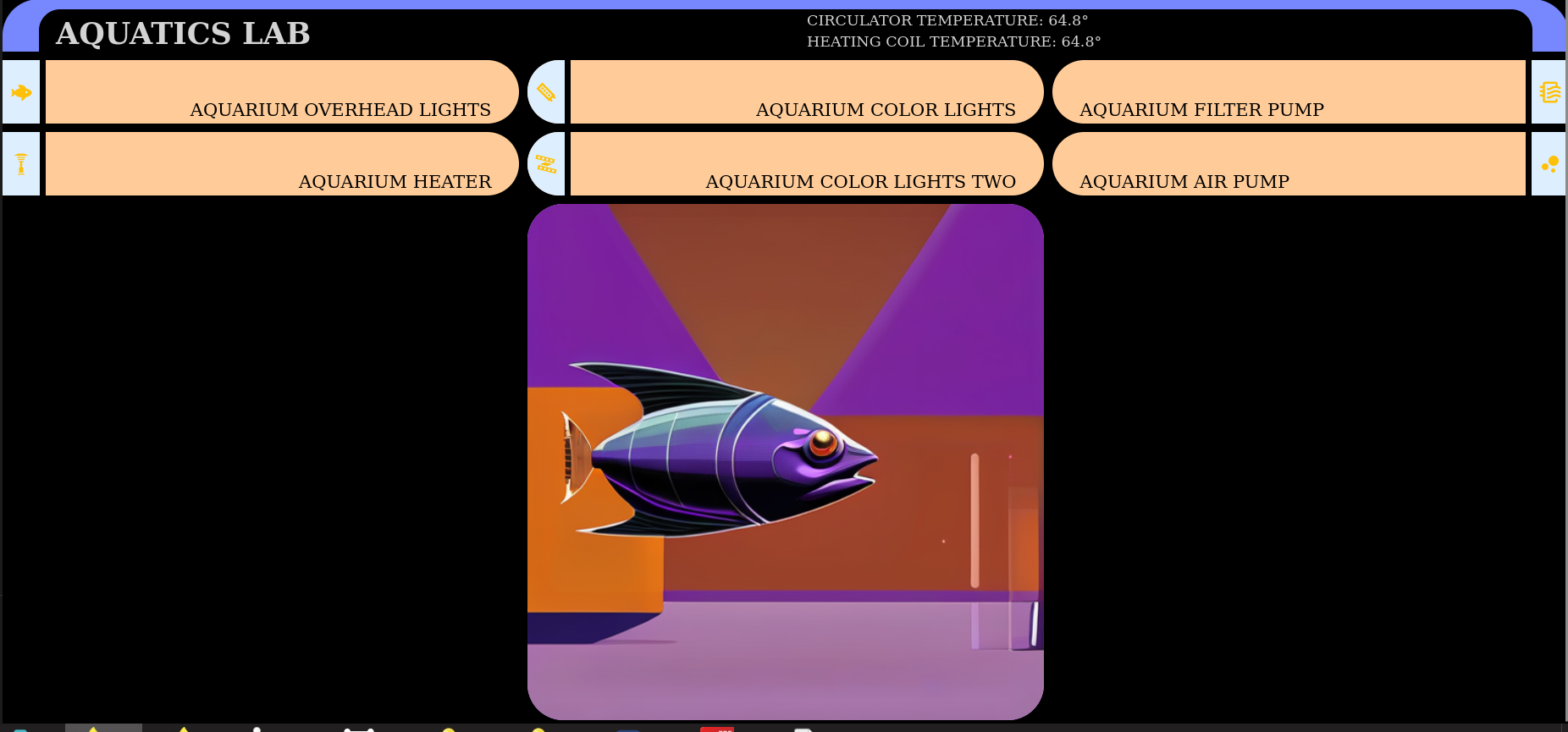
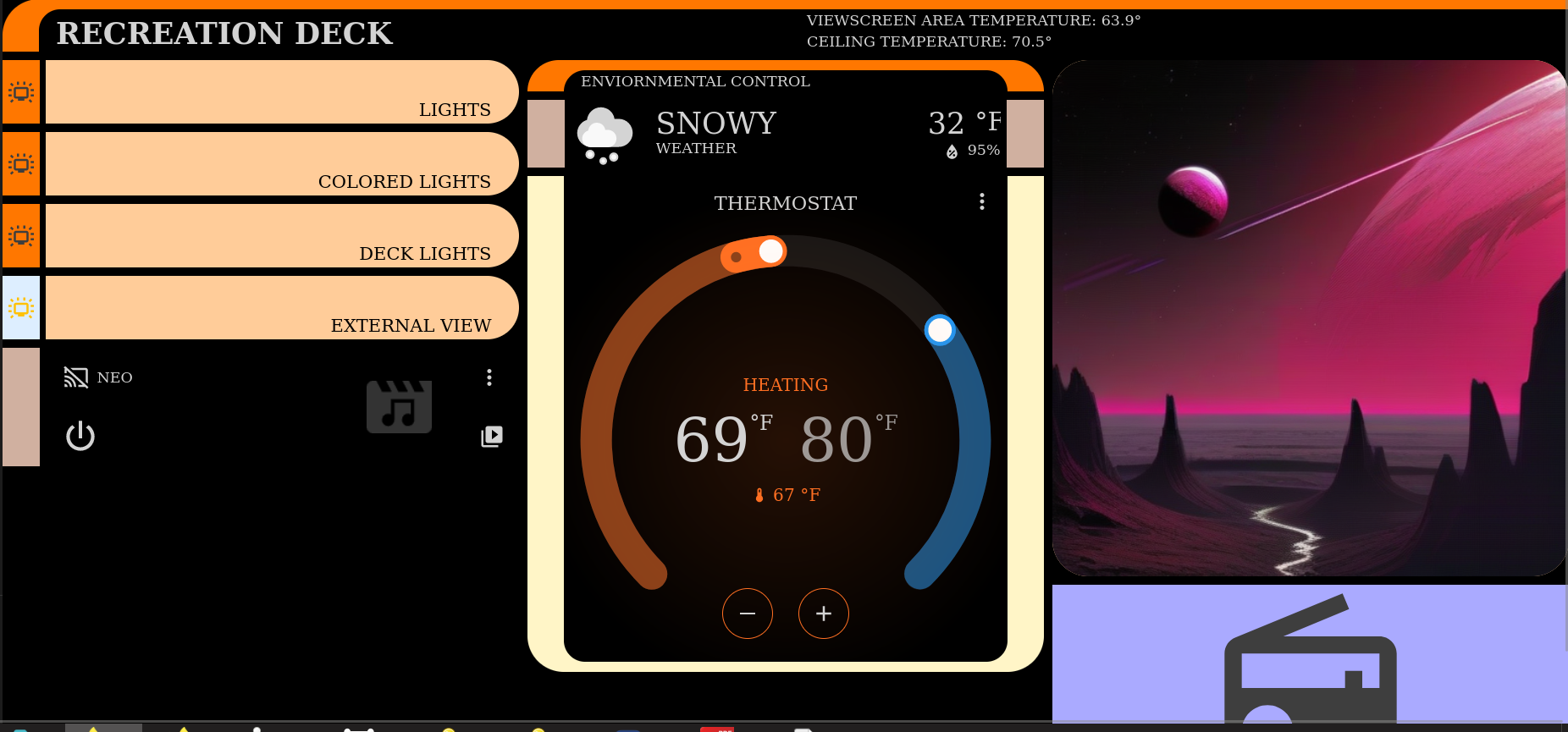
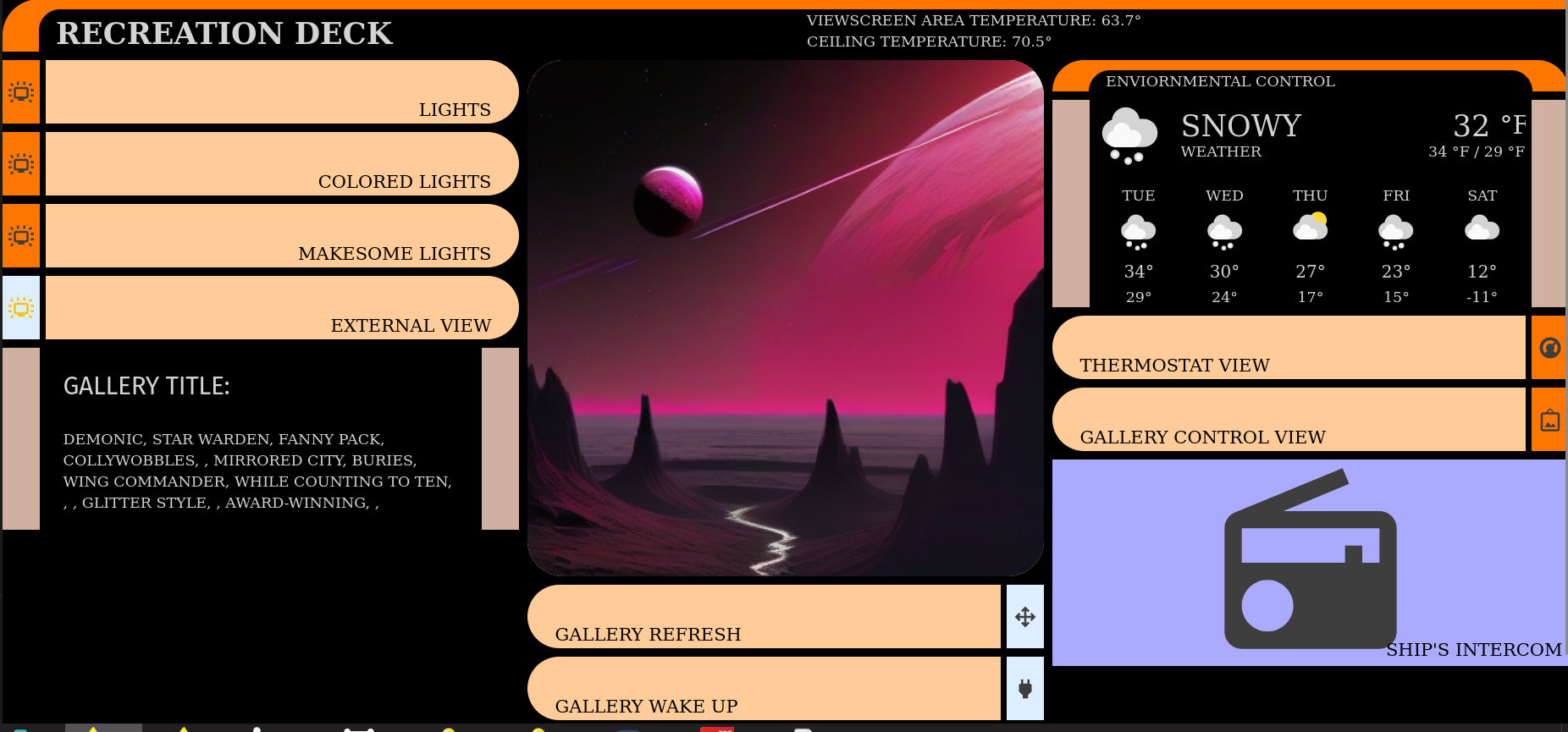
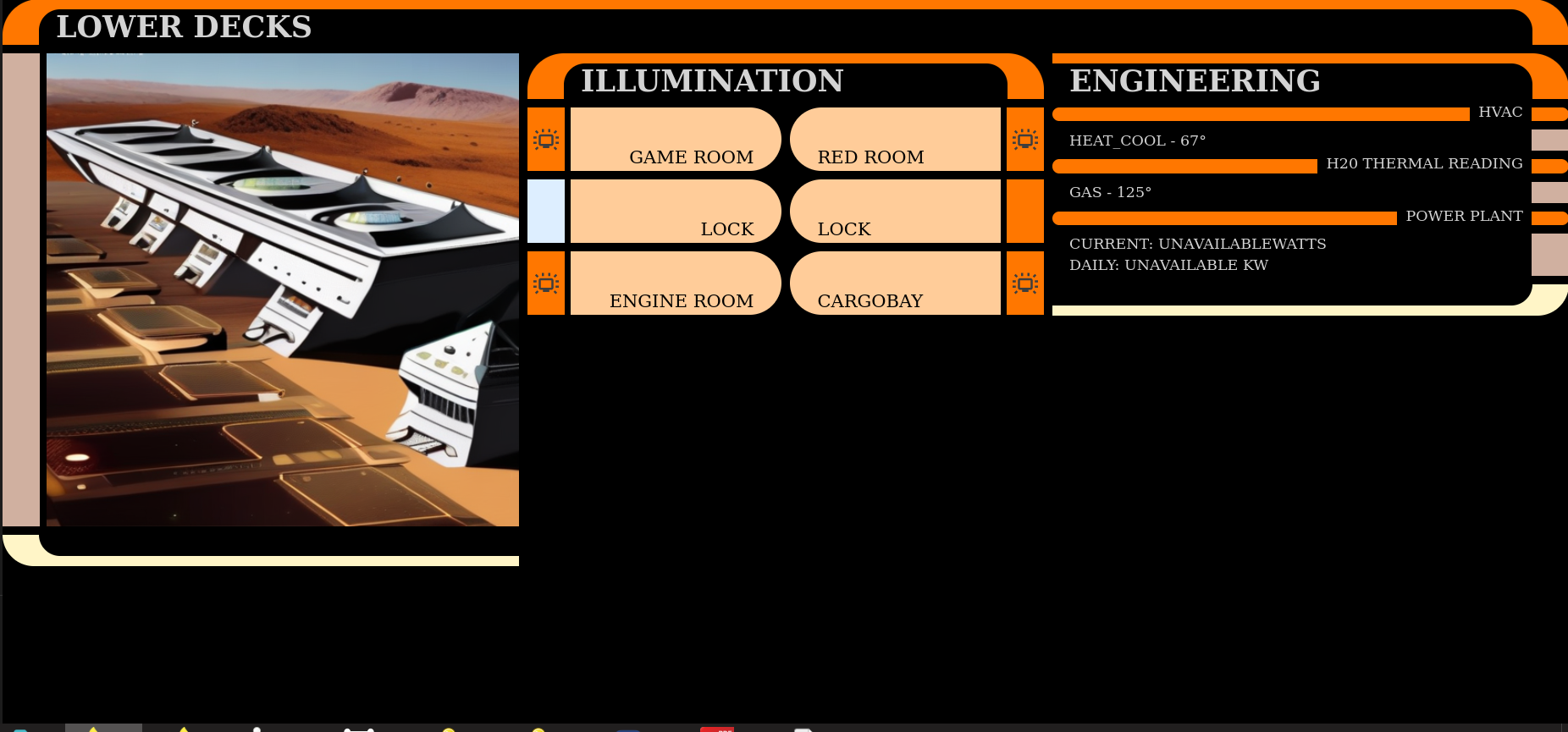
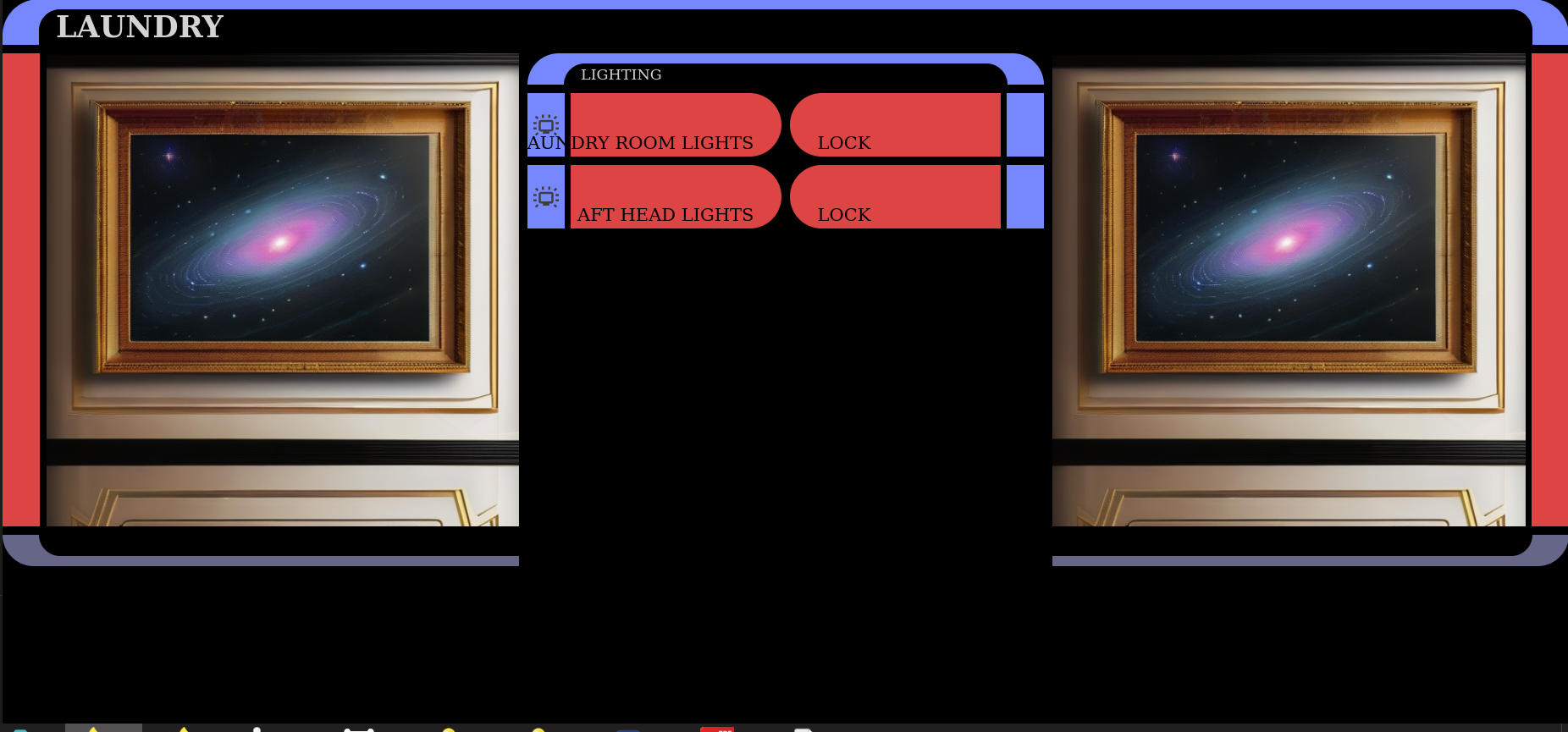
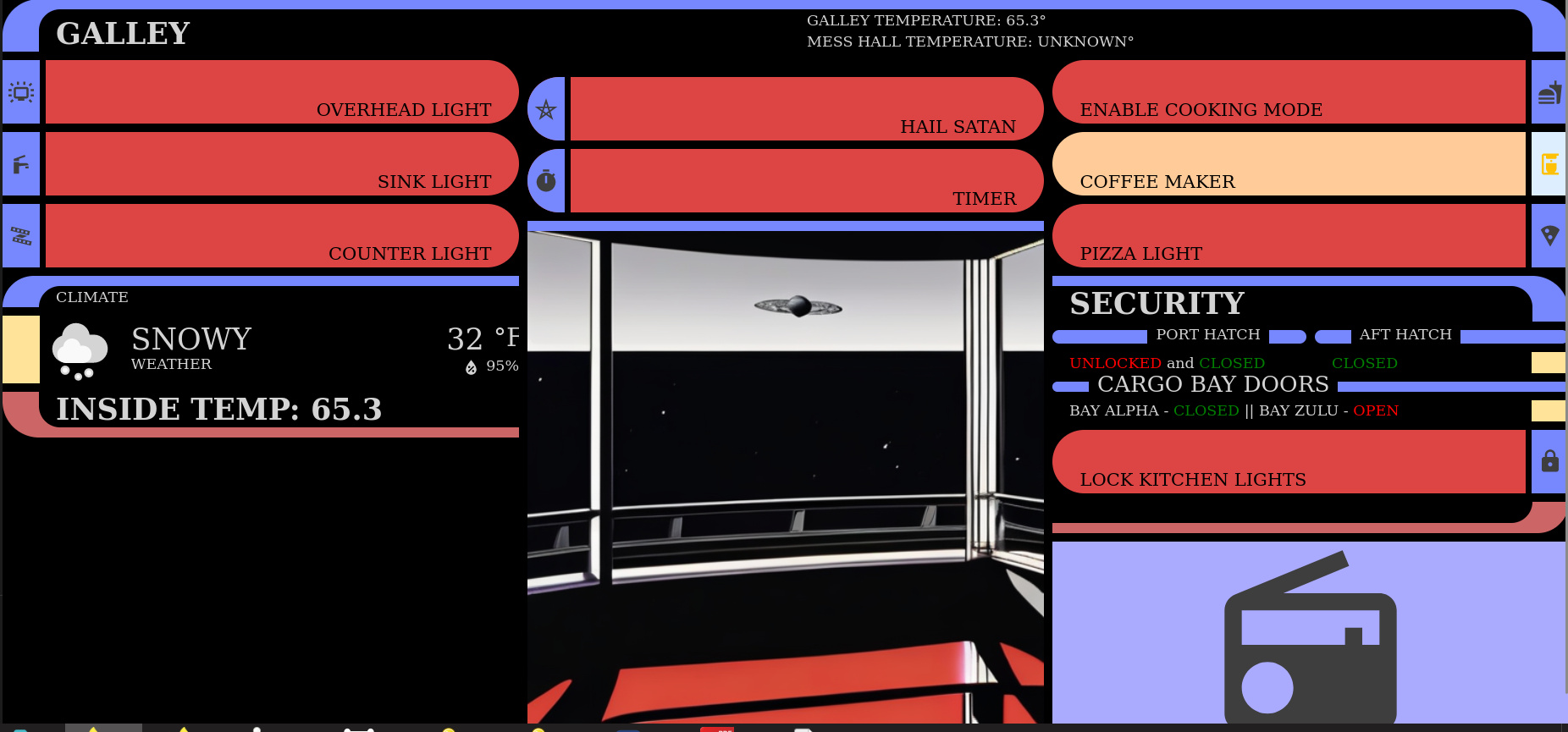
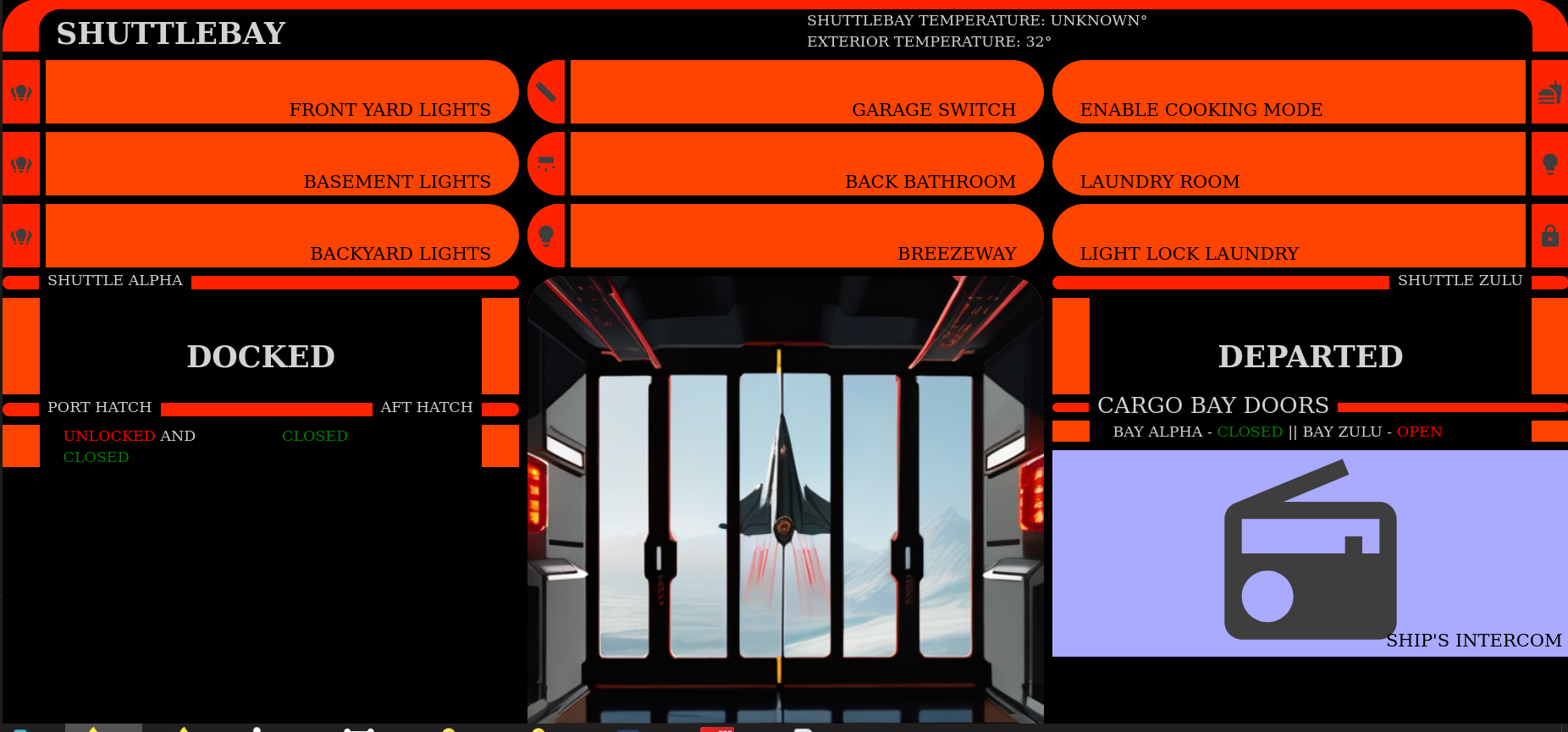
LCARS Inspired Home Control Interface
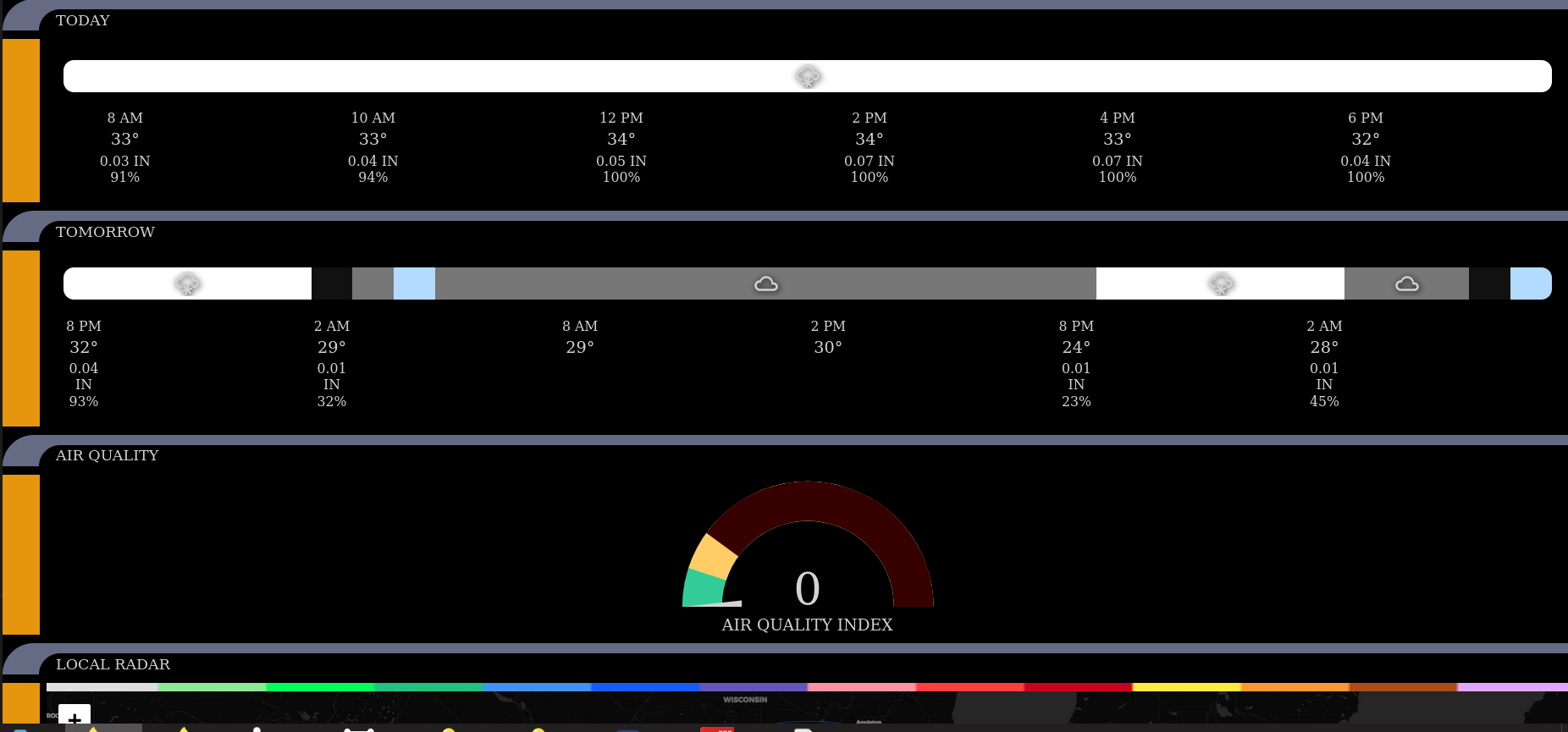
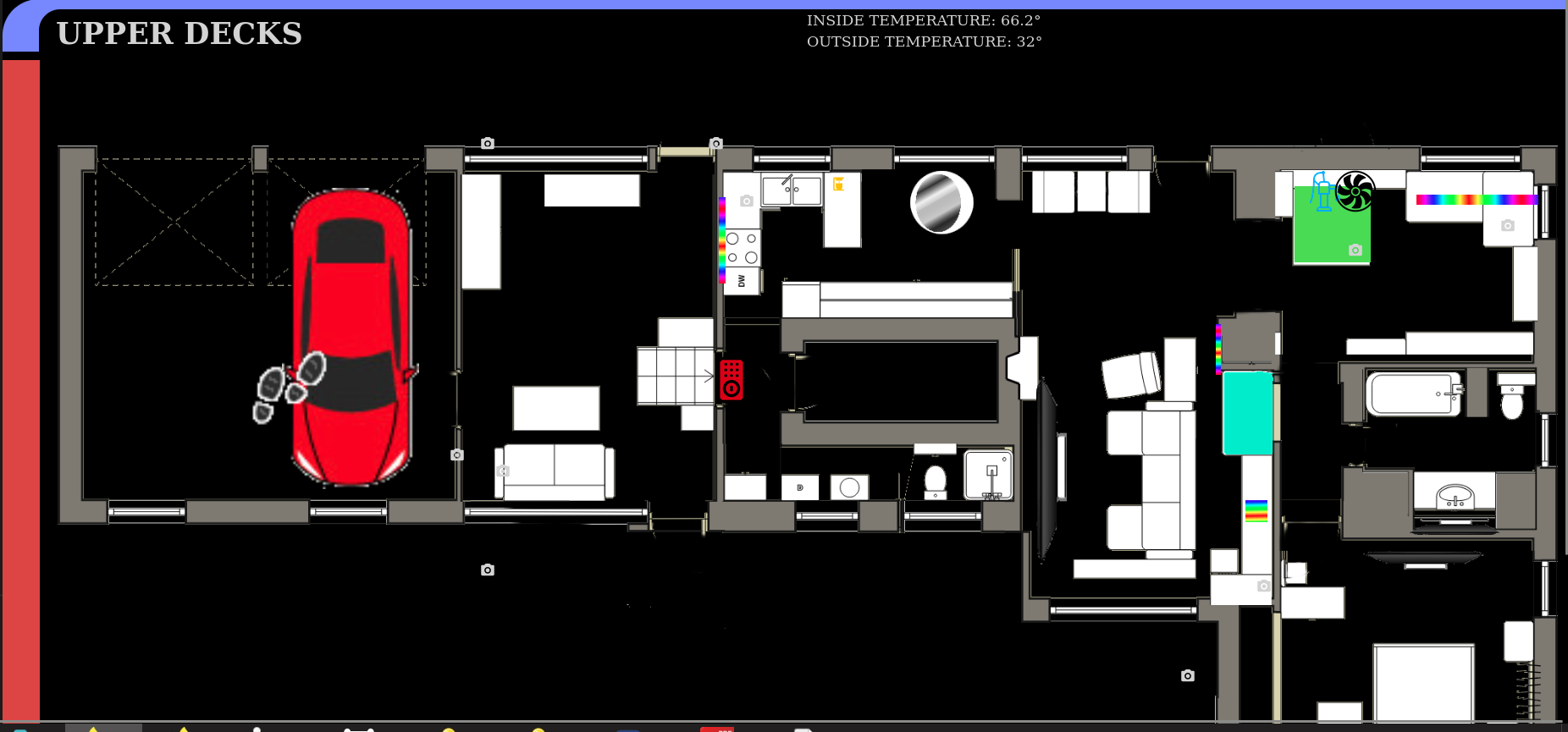
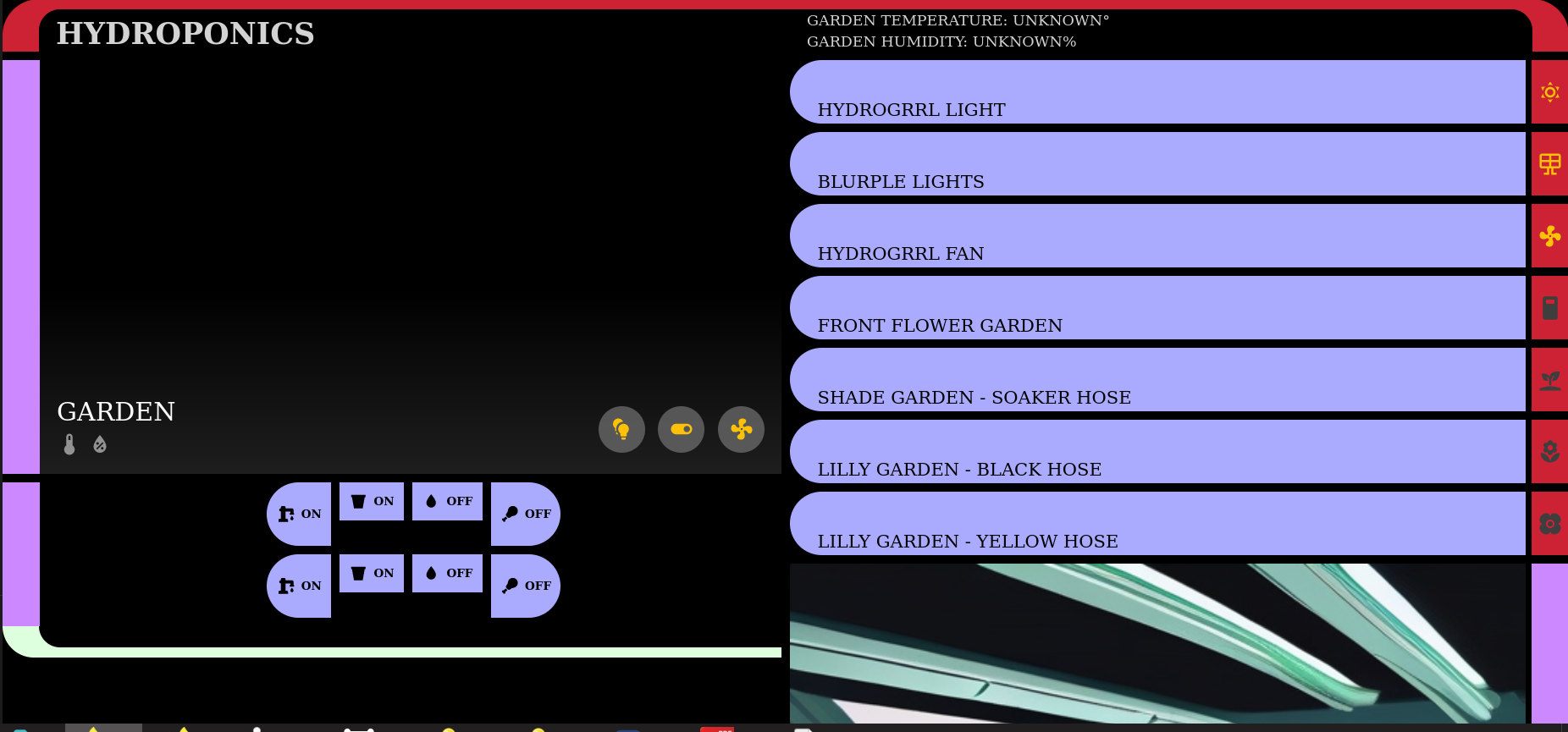
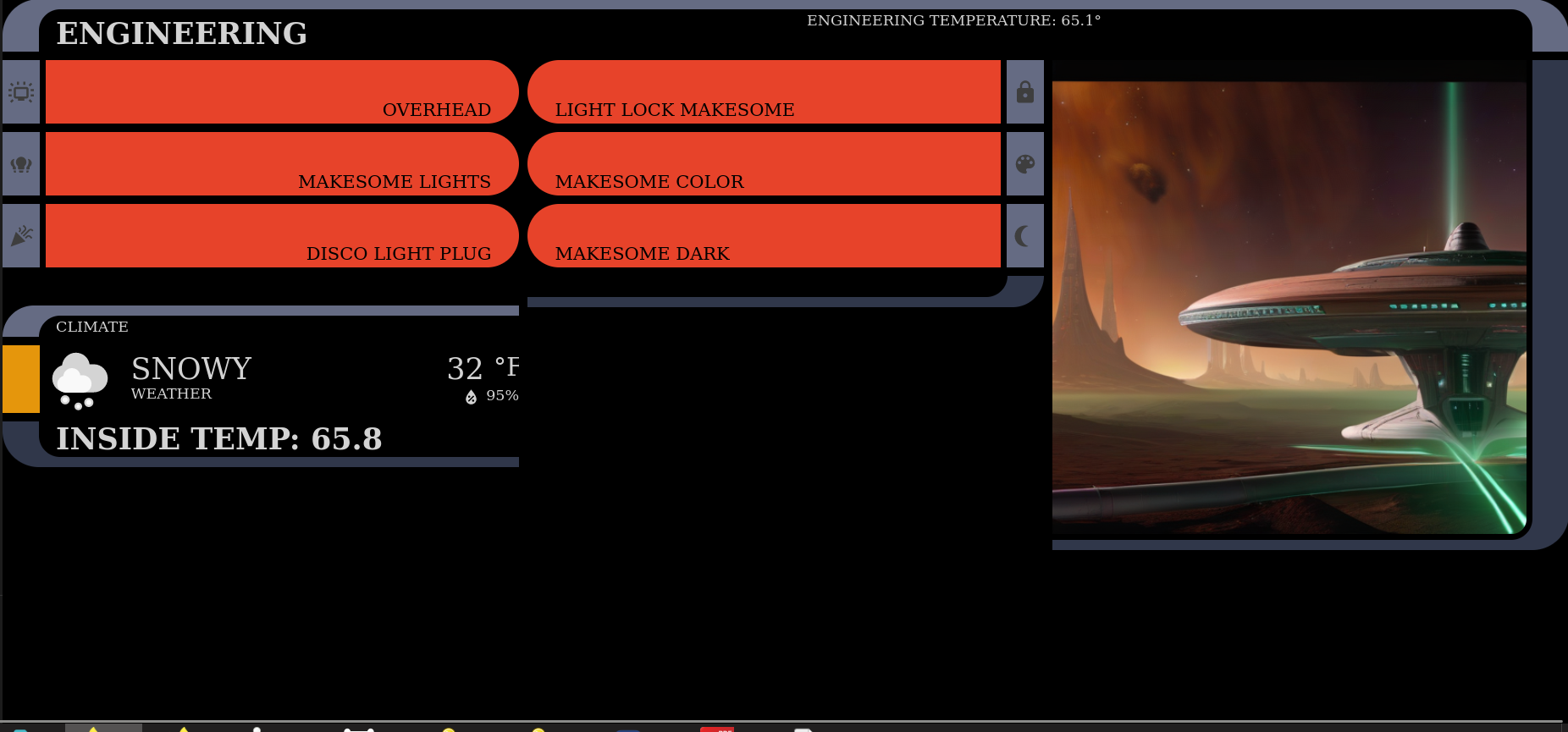
More screens from the LCARS Interface
This is all running on the standard Home Assistant Dashboard software, with the LCARS stylesheet and some tweaks and adjustments here and there. The art inserts are done by Bob, of course, with new art generated for them each day. The floor plan is done with Home Assistant's Picture Elements card.
Most of these have dynamic features that pop in when they are relevant. For example if we are cooking something with a timer, the countdown replaces the art on each page:
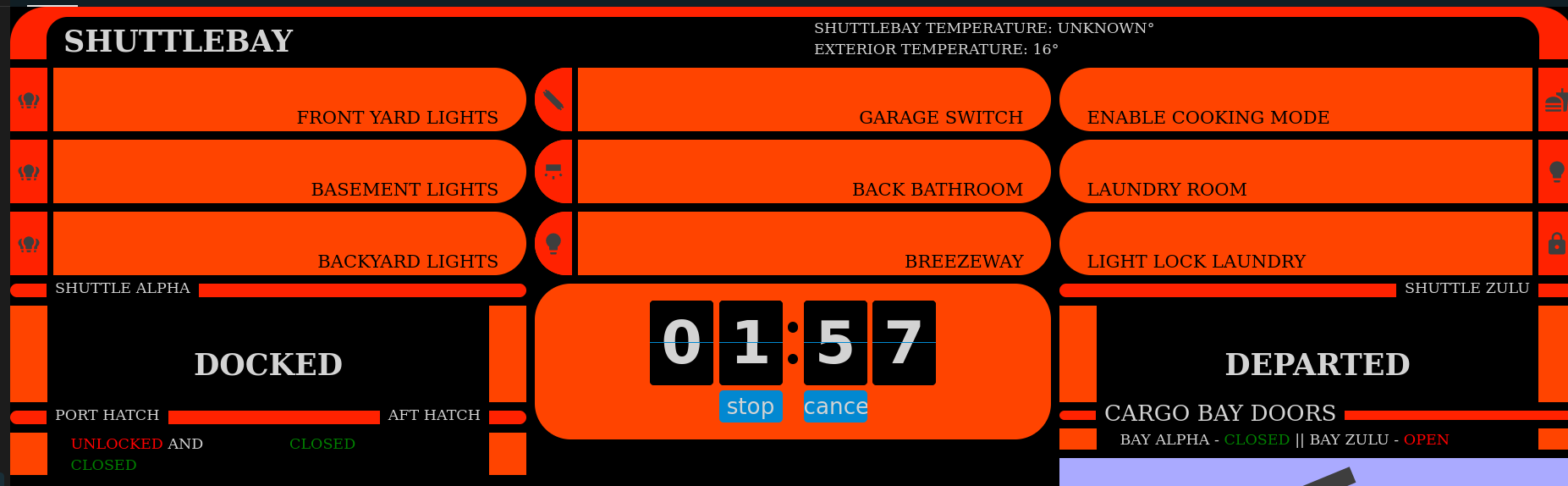
When there is media playing on the TV in the Living Room or Bedroom, the tablet in that room will replace the dashboard with information about what is playing. If there is a game being played in Steam or Playnite, information about the game will be displayed.
When someone approaches our house and is picked up by Frigate, the screens are replaced by a live camera view of what was detected.
There are also some subviews for things like setting the timer, controlling the gallery view, and setting the thermostat, that don't really require an entire page - but take up too much room to be on the screens all the time.
All in all, very useful and extremely geeky.

Member discussion: